Share your live position in a race: guides
How to go live from your phone in a race with Windline or RunFast, choose who sees you, and get friends and family following you on race day.
 How-to · Sharing your position
How to stop someone following your live tracking
In the Windline or RunFast app, open your followers and tap Remove next to them, then Block so they can't follow you again. Explainer · Sharing your position
What happens to live tracking when you lose signal
Nothing is lost.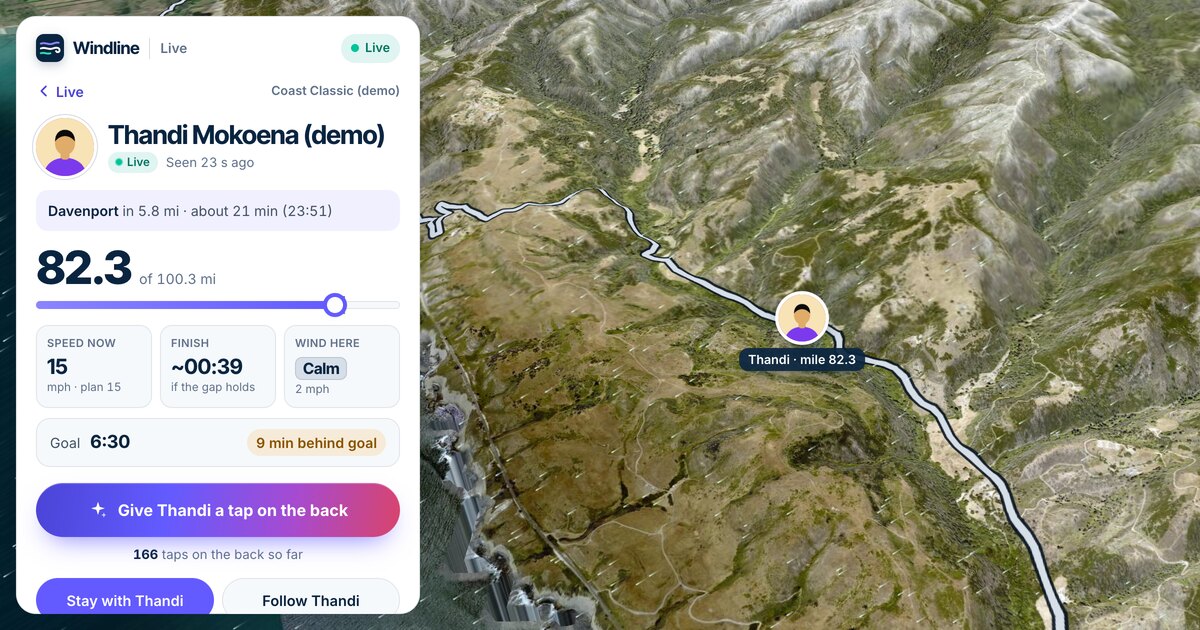 Guide · Sharing your position
Garmin LiveTrack alternative for race day
Garmin LiveTrack shares your location, pace and distance from a compatible Garmin device through the Garmin Connect app, free on compatible products. Guide · Sharing your position
Strava Beacon alternative for race day
Strava Beacon sends up to three safety contacts a link to your live location while you record in the Strava app, free on your phone.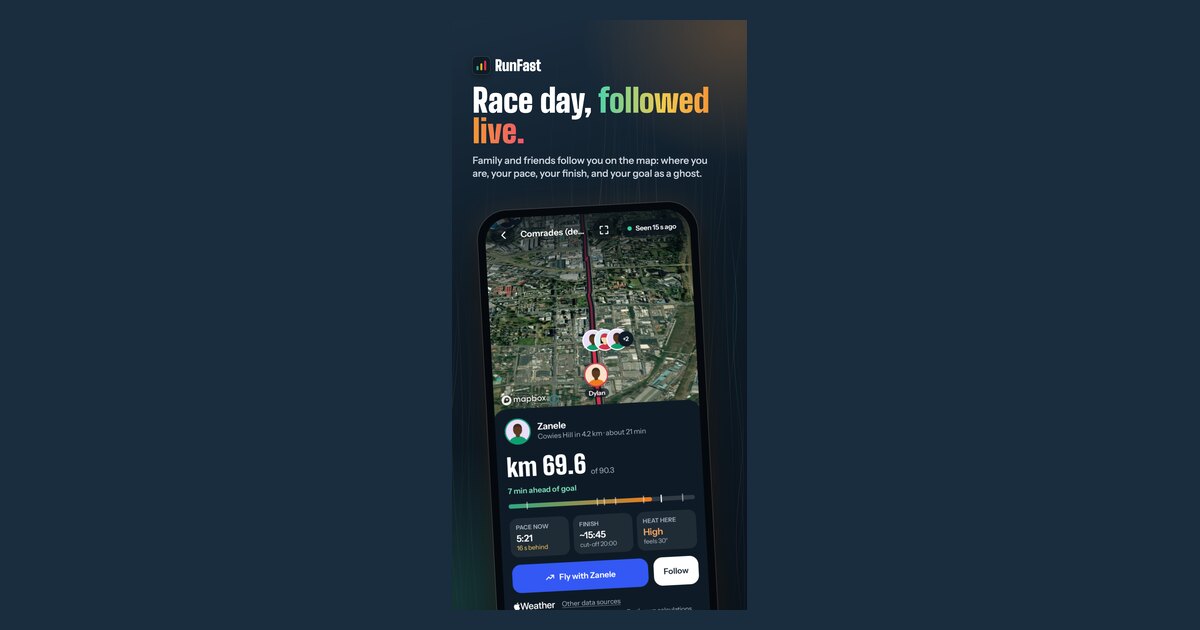 How-to · Sharing your position
How to go live on race day, step by step
Tap the reminder before the start, or open the race in the Windline or RunFast app and tap Go live, then Start live tracking.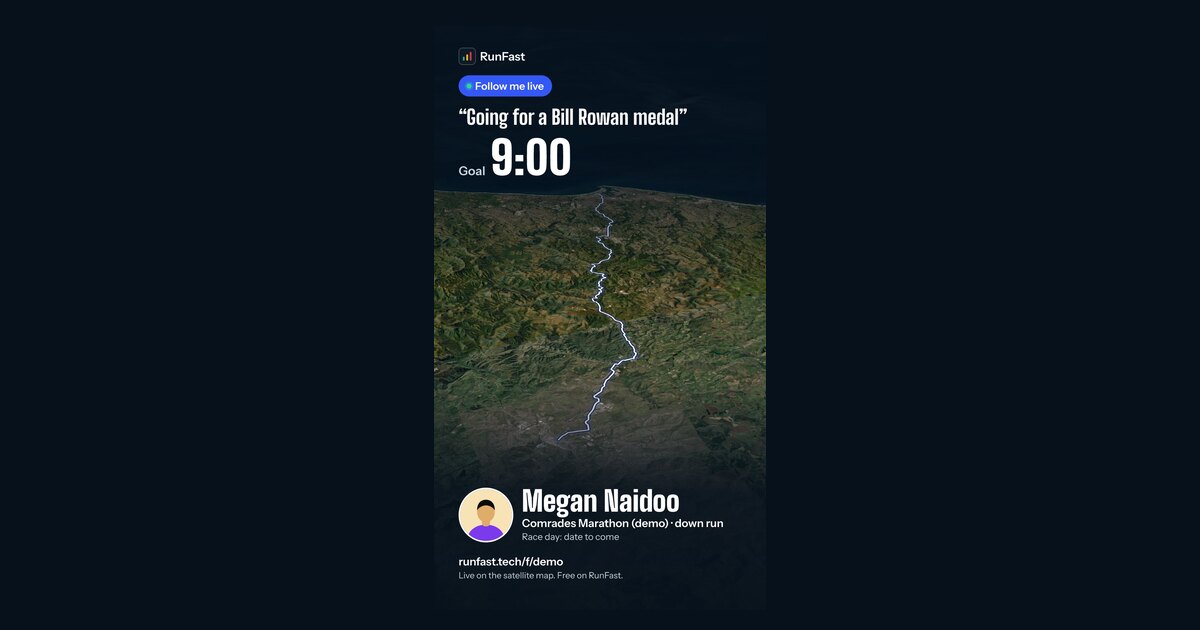 How-to · Sharing your position
How to get friends and family following you in a race
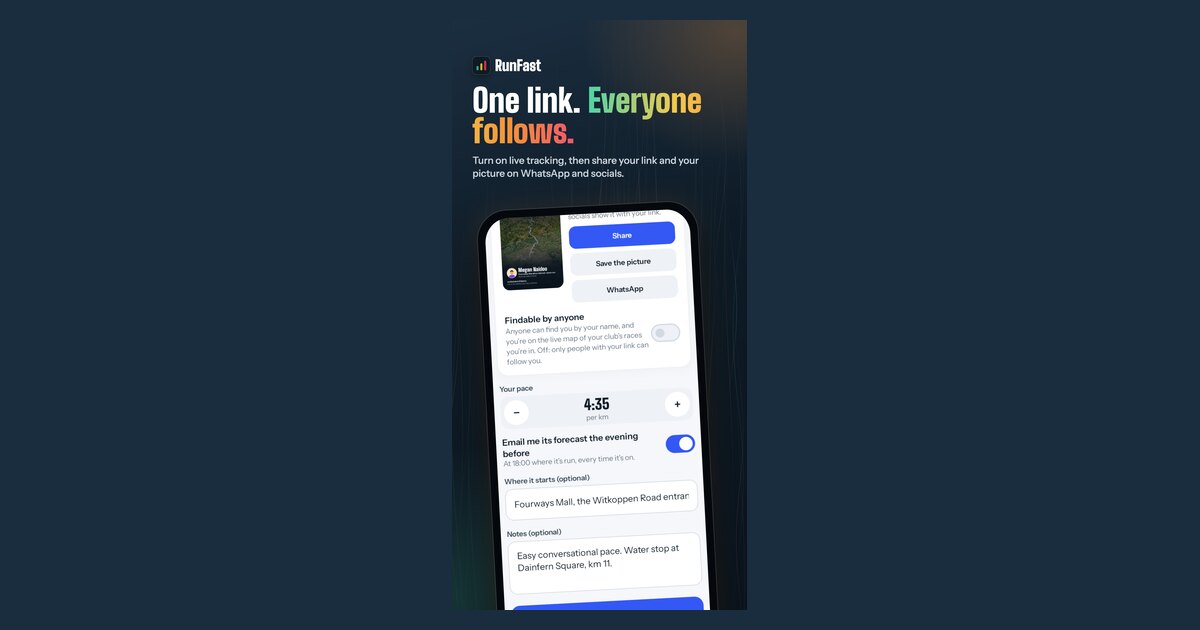
Turn on live tracking for your race in Windline or RunFast, then send your follow link, or its share picture, to the people you want watching.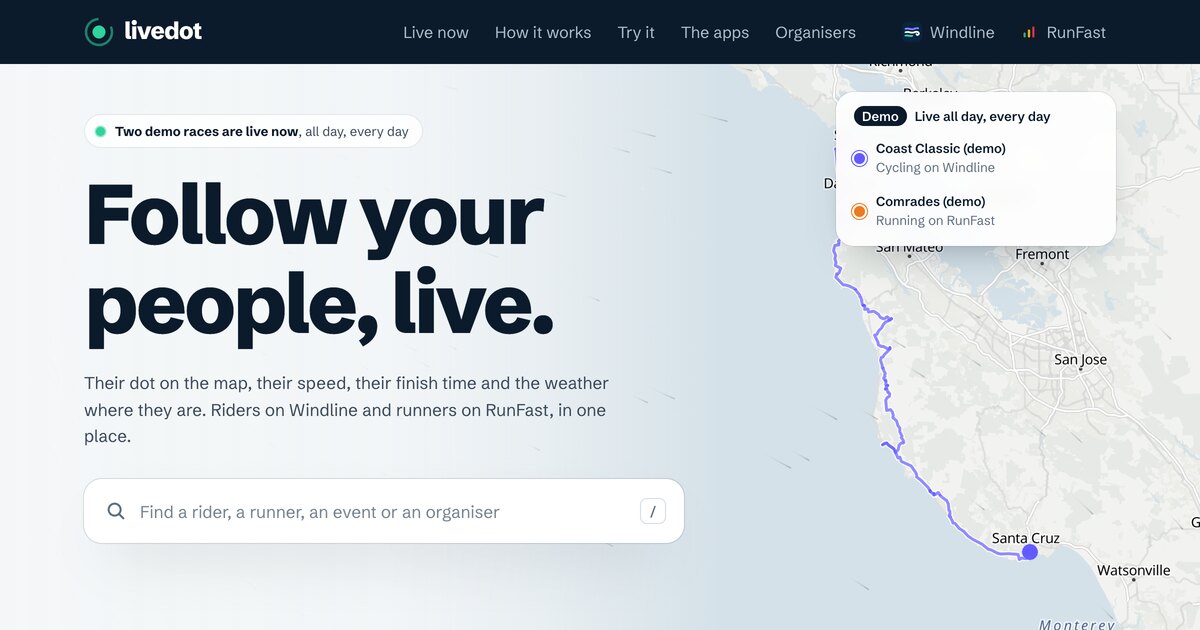 Guide · Sharing your position
Live tracking for races compared: Garmin, Strava, Find My
For a training ride or run, Strava Beacon, Garmin LiveTrack, Find My and Google Maps all share where you are.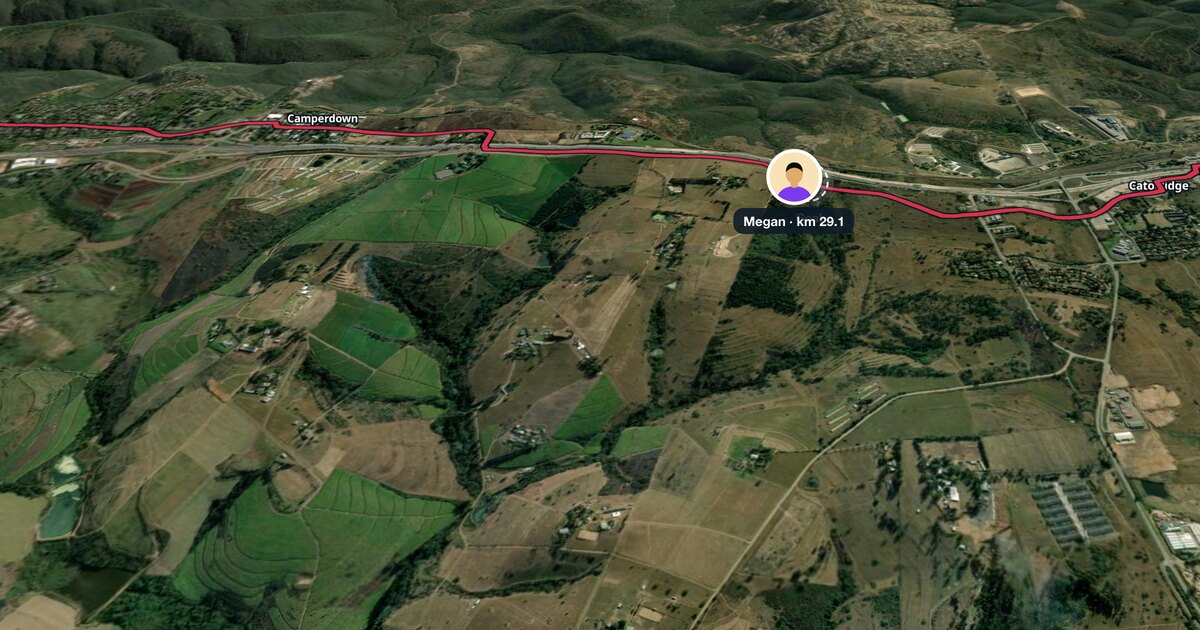 How-to · Sharing your position
Race-day phone checklist for live tracking
The night before, charge to full, check live tracking is on for the race, allow notifications and location while using the app, and on Android set the app's battery use to Unrestricted.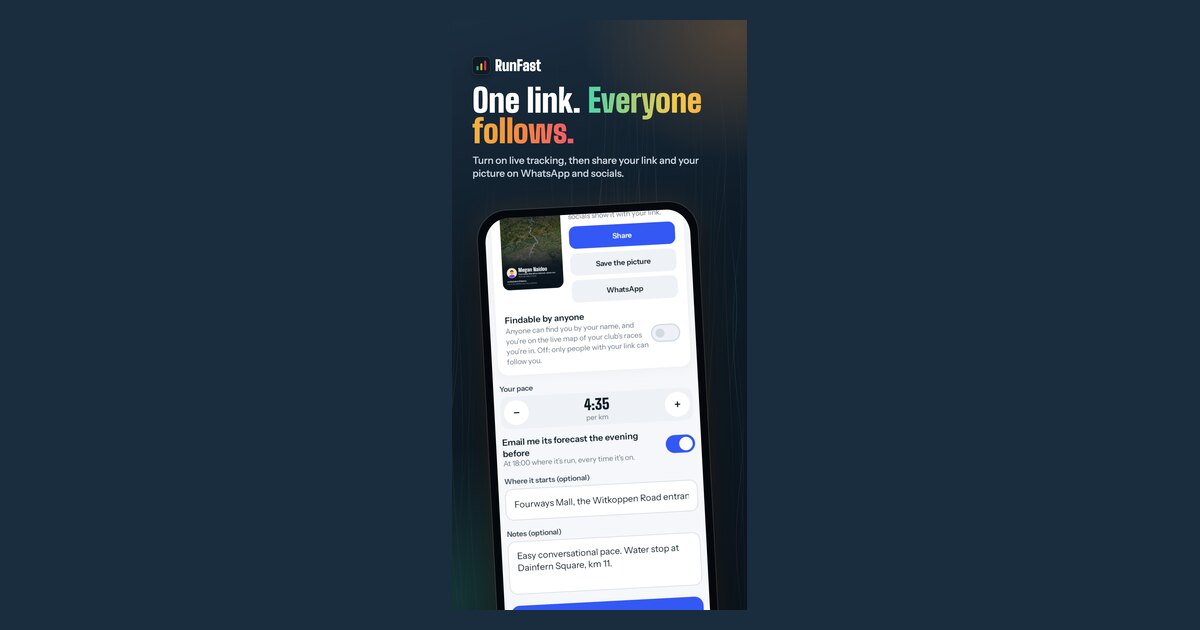 Guide · Sharing your position
Live tracking privacy: who can see you during a race
Only the people you choose.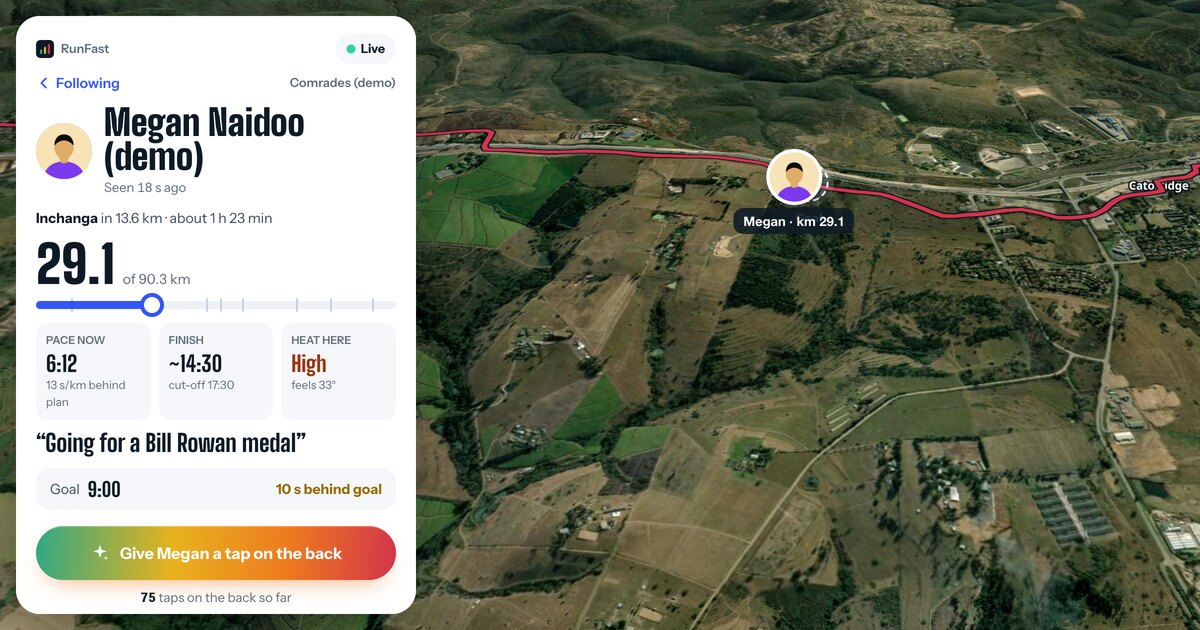 How-to · Sharing your position
How to share your live location in a race
Add your race in the free app for your sport (Windline for cycling, RunFast for running), turn on live tracking, choose who can see you and send your link.