Sharing your positionExplainer
What happens to live tracking when you lose signal
The short answer
Nothing is lost. With no signal, the Windline or RunFast app keeps every position on the phone and sends them all once the signal is back, so the line fills in. Meanwhile followers see No signal and when the person was last seen, and the page updates by itself when positions arrive again.
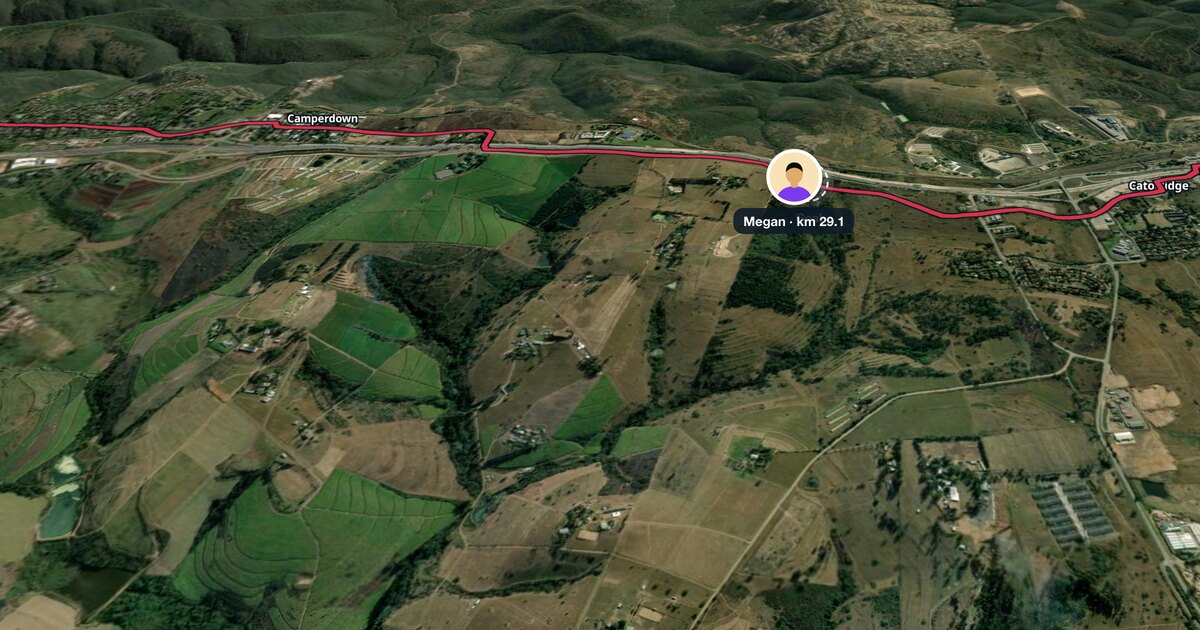
Rural roads, mountain passes and deep valleys all lose phone signal, and races go through all of them. When that happens, the dot on the live map stops for a while. It's normal, nothing is lost, and the line catches up when the signal does. This page explains what happens on the phone, what followers see, what every status means, and when it's worth asking someone on the course.
What happens when the phone loses signal?
The phone keeps working out where it is, with GPS, and keeps every position. It just can't send them until it has mobile signal again.
- On the phone: the Windline or RunFast app keeps every position in a queue and says how many are waiting, for example "12 waiting for signal". RunFast adds: "nothing is lost".
- When the signal comes back: the app sends them all at once.
- On the map: the line ridden or run fills in, and the dot jumps to where they really are.
The rider or runner doesn't need to do anything. Keep going, and keep the app running in the background.
What do followers see while there's no signal?
The last position, when it was seen, and a plain word that there's no signal. Each app says it in its own way.
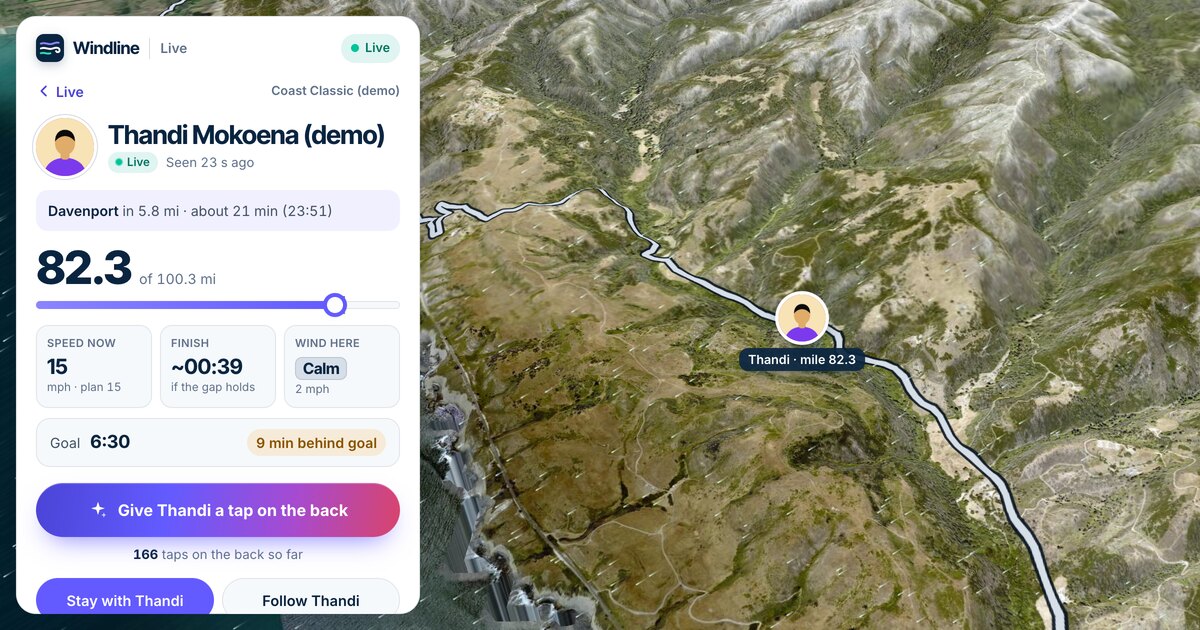
- Windline's live page: the status changes from Live to when they were last seen, then to No signal, with the words "No signal for a while. Probably a dead spot on the road. Their phone keeps every position and sends them all as soon as it's back."
- Windline's Android app: the same, and a faint marker labelled Probably about here (estimate) moves on at their average speed until the real track arrives.
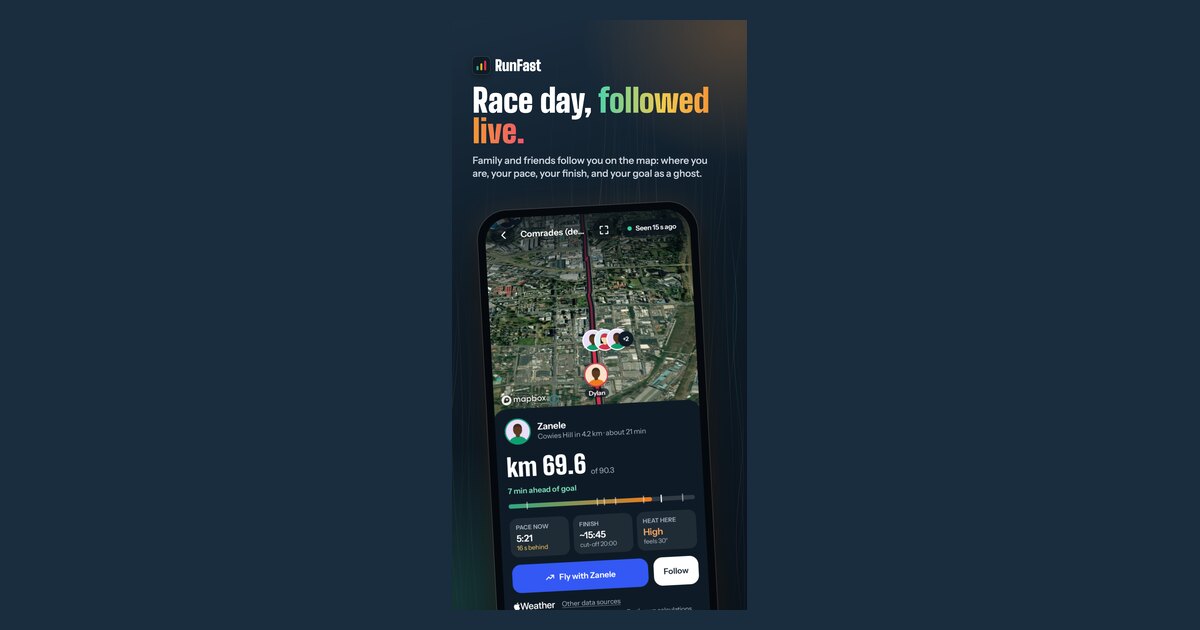
- RunFast: the status line says, for example, "No signal since km 31, 6 min ago". It's probably a dead spot on the course.

What does each status mean?
Every live page shows a status beside the person's name. Here is what each one means, in both apps.
| You see | It means |
|---|---|
| Live, "Seen 20 s ago" | Their phone sent a position just now. On Windline, Live means in the last 2 minutes. |
| "Seen 6 min ago" (Windline) | Positions are late: often weak signal. |
| No signal, "No signal since km 31, 6 min ago" | Probably a dead spot. The phone keeps every position and sends them when it's back. |
| Paused, "Paused at km 21.1" | They paused their tracking. Nothing new is sent until they tap Resume. |
| Finished, "Finished in 4:12" | They reached the finish, and tracking stopped by itself. |
| Stopped, "Stopped sharing at km 30.0" | They stopped before the finish. |
| Not started, "Starts at 05:30" | They haven't started yet. The page changes by itself when they do. |
| "Not running right now" (RunFast) | They're not live, and have no race coming up with live tracking on. |
| "Near the start or finish: hidden for their privacy" (RunFast) | On a race that's private to them, the first and last kilometre never show. |
Why do some courses lose signal more than others?
Phone signal depends on masts, and courses go where masts don't. Mountain passes, deep valleys, forests, long rural roads, tunnels and stretches along the coast are the usual dead spots. In a big city race, a crowd of thousands of phones in one place can slow the network too.
Riders and runners usually know their course's dead spots. If you do, tell your followers before the start: "No signal between the two passes, back by the café at the top." It saves a lot of worried messages.
What happens when the signal comes back?
Everything catches up at once. The phone sends every position it kept, the line on the map fills in along the road, the dot moves to where they really are, and the status goes back to Live. Their distance, speed or pace, finish time and goal gap all update from the real positions.
How often does the map update?
Often enough to watch in real time. The phone sends its position every 30 seconds while there's signal. RunFast's map updates every 10 seconds while someone's running, and Windline's dot glides along the road between updates, rather than jumping.
Windline takes a position about every 25 metres the rider moves. Club race maps refresh every 10 seconds.
Is the finish time still right with no signal?
It's the last estimate until new positions arrive. The finish time and the goal gap are worked out from where the person really is, so during a dead spot they hold where they were. When the queued positions arrive, both catch up.
What if the dot doesn't come back?
Give it time first: some dead spots last a long way. If it still hasn't moved after a long while, one of these is likely.
- The phone's battery ran out. Followers see the last position and when it was seen. When the phone is back on and the app is opened, tracking carries on; on Windline, with the same race day and the same line.
- Android closed the app. The rider gets Tap to carry on live tracking. Setting the app's battery use to Unrestricted makes this rare.
- The app was swiped away in the app switcher. Opening it again carries on.
None of these lose the positions already sent. The race-day phone checklist covers how to avoid all three.
Should I worry if they've had no signal for a long time?
Usually not: the most common reason is a long dead spot. But live tracking isn't a safety service, and a status can't tell you why someone has stopped. If you're worried, check when they were last seen and where, and contact the race organisers or their support crew, who know the course. In an emergency, call the local emergency number.
Can followers still send a tap on the back?
Yes. Taps reach the person with their phone's next update, so the ones given during a dead spot are waiting for them when the signal comes back.
Is this different from an official race tracker?
Yes. Many official trackers show splits from timing mats, so the dot is an estimate between mats whether or not anyone has signal. Live tracking from the person's phone is their real position, sent every 30 seconds where there's signal and caught up afterwards where there isn't. More on the difference in how to track someone in a race.
What should the rider or runner do?
Nothing during the race. Before it:
- Set battery use to Unrestricted for the app on Android, so it isn't closed in your pocket.
- Start with a full battery, and carry a power bank on a long race.
- Tell your followers that a still dot usually means no signal, and that it catches up.
- Don't use flight mode: live tracking needs mobile data to send.
The race-morning routine is in go live on race day. For a runner's statuses in more detail, see how to track a runner in a marathon.
Follow someone live on livedot.me, or open the link they sent you.
Questions
Does live tracking work without mobile signal?
The phone keeps recording your position with GPS, which doesn't need mobile signal, and keeps every position. It needs signal to send them, so followers see No signal until it's back, then the line fills in.
Why has the dot stopped moving?
Usually a dead spot with no mobile signal. The status says so, with when they were last seen. It can also mean they paused, stopped or finished: the status says which.
How long before it shows No signal?
On Windline, Live means a position arrived in the last 2 minutes; after that the status shows when they were last seen, then No signal. RunFast's status line shows exactly how long, such as No signal since km 31, 6 min ago.
Will the missing part of the route fill in?
Yes. The phone sends every position it kept once it has signal again, and the line ridden or run fills in on the map.
Should the rider or runner do anything?
No. Keep going and leave the app running. Don't swipe it away, and on Android keep its battery use set to Unrestricted so the phone doesn't close it.