Garmin LiveTrack alternative for race day
The short answer
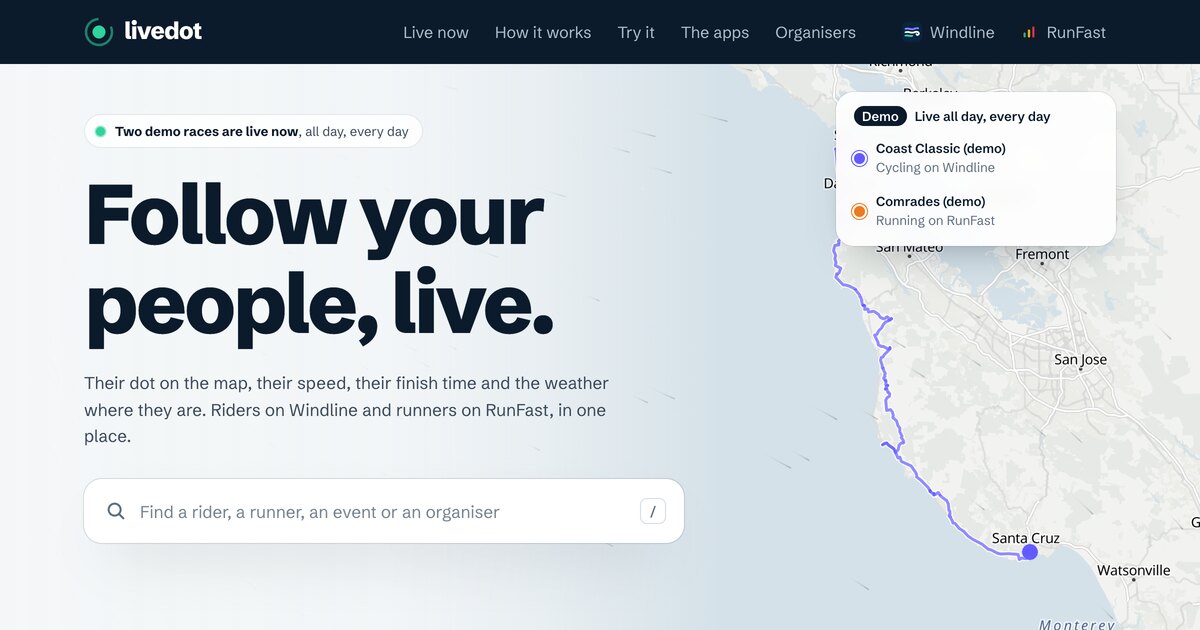
Garmin LiveTrack shares your location, pace and distance from a compatible Garmin device through the Garmin Connect app, free on compatible products. For a race, livedot (through Windline or RunFast) needs only your phone, and adds the course, a live finish time, a goal ghost, the weather where you are, race maps, name search and taps on the back.
Garmin LiveTrack is a solid way to let people follow a ride or run from a Garmin watch or bike computer. If you don't have a compatible Garmin, or you want race-day things it doesn't describe, such as a live finish time on the page, a map of the whole field or a way for people to find you by name, livedot is an alternative, and it can run alongside LiveTrack. This page uses Garmin's own support pages, checked in October 2026.
What does Garmin LiveTrack do?
Garmin describes LiveTrack as a real-time view of your location during an activity, so friends and family can follow along. From Garmin's support pages:
- What followers see: your current location, average pace, elapsed time, distance, elevation gain and a planned route. Under graphs, they also see current pace, speed, elevation, heart rate and cadence.
- What you need: a LiveTrack-compatible Garmin device, paired and connected to the Garmin Connect app, with your phone on you and a good mobile signal. Some LTE watches can do it without the phone, with an active LTE subscription.
- How you share it: by email to up to 50 people when a session starts, or with a link in messaging apps while it's running. Texting the link needs Connect+.
- How you start it: Start LiveTrack in the app, or Auto Start on compatible devices.
- How often: every 15 seconds to 1 minute, depending on the device.
- Without signal: followers see your last known location until your phone finds a signal again.
Garmin also says, plainly, that LiveTrack shouldn't be relied on as a primary way to get emergency help. That's true of any live tracking, livedot included.
Is Garmin LiveTrack free?
Yes, on compatible products: Garmin says LiveTrack "is free to use for any compatible product", and GroupTrack too. "Enhanced LiveTrack" needs a Connect+ or Outdoor Maps+ subscription: texting the link, a personalised page, all your past sessions and a profile with privacy settings.
What else does Garmin offer for race day?
Three related features, each on supported devices.
- Spectator Messaging: followers tap Send a Message on the LiveTrack page to send text or audio. Audio needs Bluetooth headphones or a watch with a speaker; Edge bike computers get text only. Messages show for about 8 seconds and need phone data.
- Live Event Sharing: on Android only, automatic texts to up to 5 opted-in phone numbers, with your time, pace, last lap and estimated finish, sent at the start, transitions, the end, every lap or by distance or time. It switches off after 24 hours.
- GroupTrack: your Garmin Connect friends on your device, within 40 km (25 mi) of each other, updating every 15 to 30 seconds.
When is LiveTrack the right choice?
When you race with a compatible Garmin and want your heart rate, cadence and pace on the page, or you have an LTE watch and want to leave your phone behind. It's also a natural fit for training days, if you already wear a Garmin.
Where does livedot differ?
It needs only a phone, and it's built around races. A rider on Windline or a runner on RunFast goes live from the app, and anyone with their link watches in any browser.
- No Garmin needed. Any Android phone with Windline or RunFast works today; both iPhone apps are with the App Store for review.
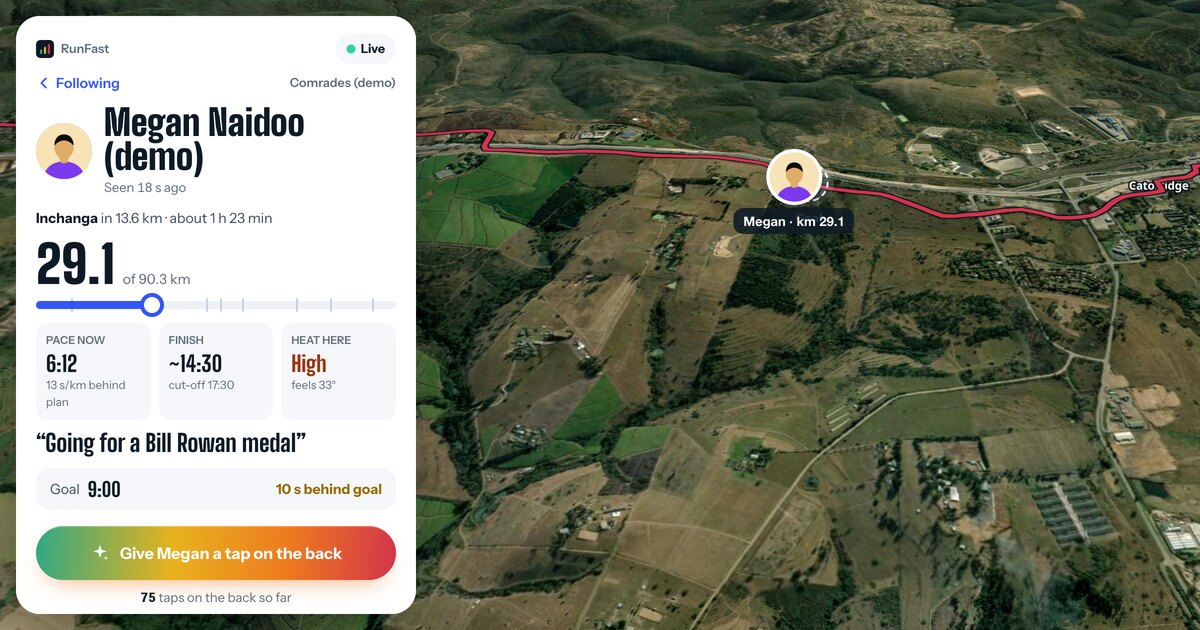
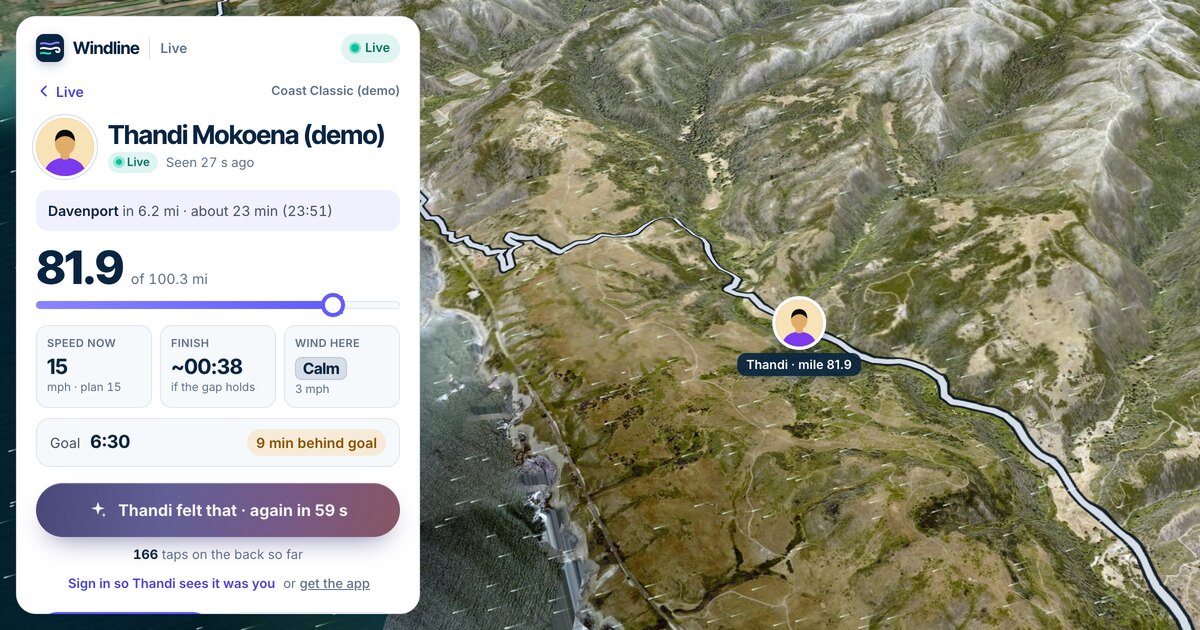
- The race, not just the dot: the course, your distance to go, the next place on the course and when you'll reach it, and your finish time on the page, live.
- Your goal, as a ghost, and "7 min ahead of goal" or "behind goal".
- The weather where you are: the course coloured by the wind for riders, or the heat at your pace for runners.
- Race and club maps, with everyone who chose to be seen, and name search for people who switched on Findable by anyone.
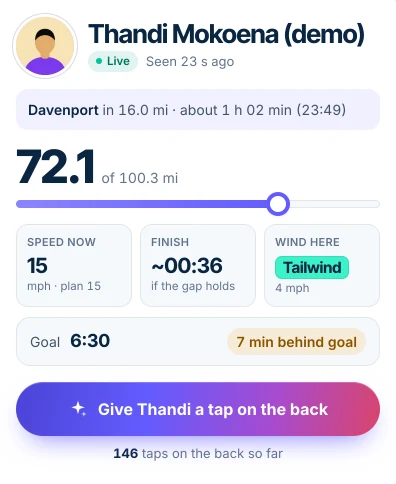
- Taps on the back from any browser, with no account. See how to cheer someone on remotely.
What would I give up by not using LiveTrack?
Be clear about the trade before race day. By Garmin's pages, LiveTrack gives followers things livedot doesn't:
- Heart rate and cadence in the graphs on the LiveTrack page.
- No phone, with an LTE watch: some Garmin watches with an active LTE subscription can share without your phone. Windline and RunFast always need the phone in your pocket.
- Audio messages from followers, on supported devices with headphones or a speaker.
- GroupTrack, if you ride or run with Garmin Connect friends nearby.
If those matter to you, keep LiveTrack running and add livedot for the race features, or use LiveTrack alone.
How do they compare?
From Garmin's support pages and how Windline and RunFast work today. "Not stated" means Garmin's pages don't say.
| Garmin LiveTrack | livedot (Windline, RunFast) | |
|---|---|---|
| What sends your position | A compatible Garmin, via Garmin Connect on your phone | The Windline or RunFast app on your phone |
| Who can watch | Email invites (up to 50) or a link | Anyone with your link; anyone by name, if you choose |
| What followers need | Not stated | Any browser, no account |
| The course | Your planned course, on supported devices | The race's course |
| Finish time | Live Event Sharing texts (Android only) | On the page, live |
| Heart rate and cadence | Yes | No |
| Weather where you are | Not stated | Wind for riders, heat for runners |
| Cheering | Spectator Messaging, on supported devices | Taps on the back, from any browser |
| Whole field or club on a map | GroupTrack, for Garmin Connect friends near you | Race and club maps |
| Find someone by name | Not stated | Yes, if they're Findable |
| Cost | Free on compatible products; extras need Connect+ | Free for everyone, thanks to ProLend |
More options, including Strava Beacon, Find My and Google Maps, are in live tracking for races compared.
Can I use both at once?
Yes. Your Garmin records the race as usual, and the Windline or RunFast app sends your live position. Followers get two different links, so tell them which is which, or send only the one that suits them. Both rely on your phone for mobile data, so start with a full battery and carry a power bank on a long race.
How do I set up livedot for my race?
Add the race in the app for your sport, turn on live tracking and send your link.
- Get the app: Windline for Android for cycling, RunFast for Android for running, with a free account.
- Add your race and switch on live tracking.
- Choose who sees you, and send your link or share picture.
- On race day, tap Start live tracking, and start your Garmin as you normally would.
The full steps are in how to share your live location in a race. For what a rider's followers see, stretch by stretch, see how to track a cyclist in a race.
Sources
Garmin's own support pages, checked in October 2026: LiveTrack feature, LiveTrack is free, Enhanced LiveTrack, Show Course, update rate, Spectator Messaging, Live Event Sharing and GroupTrack. Garmin updates its features and plans, so check its pages for the latest.
Questions
Is Garmin LiveTrack free?
Garmin says LiveTrack is free to use for any compatible product. Texting the link, a personalised page and other Enhanced LiveTrack features need a Connect+ or Outdoor Maps+ subscription. Checked October 2026.
Do I need a Garmin watch for live tracking in a race?
Not with livedot. Windline and RunFast send your position from the app on your phone, so any Android phone works today. Garmin LiveTrack needs a compatible Garmin device paired with the Garmin Connect app.
Can people send me messages during a race with LiveTrack?
On supported Garmin devices, yes: Garmin's Spectator Messaging lets followers send text or audio from the LiveTrack page. With livedot, followers send taps on the back that you feel on your phone, from any browser.
Does livedot work with my Garmin?
Not for the live position, which comes from the Windline or RunFast app on your phone. Your Garmin can record the race at the same time, as usual.
What do followers see if I lose signal?
Garmin says LiveTrack followers see your last known location until your phone finds a signal. On livedot, followers see No signal and when you were last seen, and the line fills in when your phone sends the positions it kept.