Sharing your positionHow-to
How to stop someone following your live tracking
The short answer
In the Windline or RunFast app, open your followers and tap Remove next to them, then Block so they can't follow you again. People who only opened your link in a browser aren't in that list: reset your link to cut them off. Switch off Findable by anyone so nobody can find you by name.
Open your followers in the app
Windline: tap Live at the top of the Events screen; your followers are under Your followers. RunFast: open You, then Followers.
Remove them
Tap Remove next to the person. They stop following you straight away, and their alerts stop.
Block them if they shouldn't come back
Tap Block. They can't follow you again, and their taps on the back don't reach you.
Reset your link
Windline: Reset link under Your followers. RunFast: Reset under Your link. Anyone with only the old link stops seeing you; people you approved keep following.
Switch off Findable by anyone
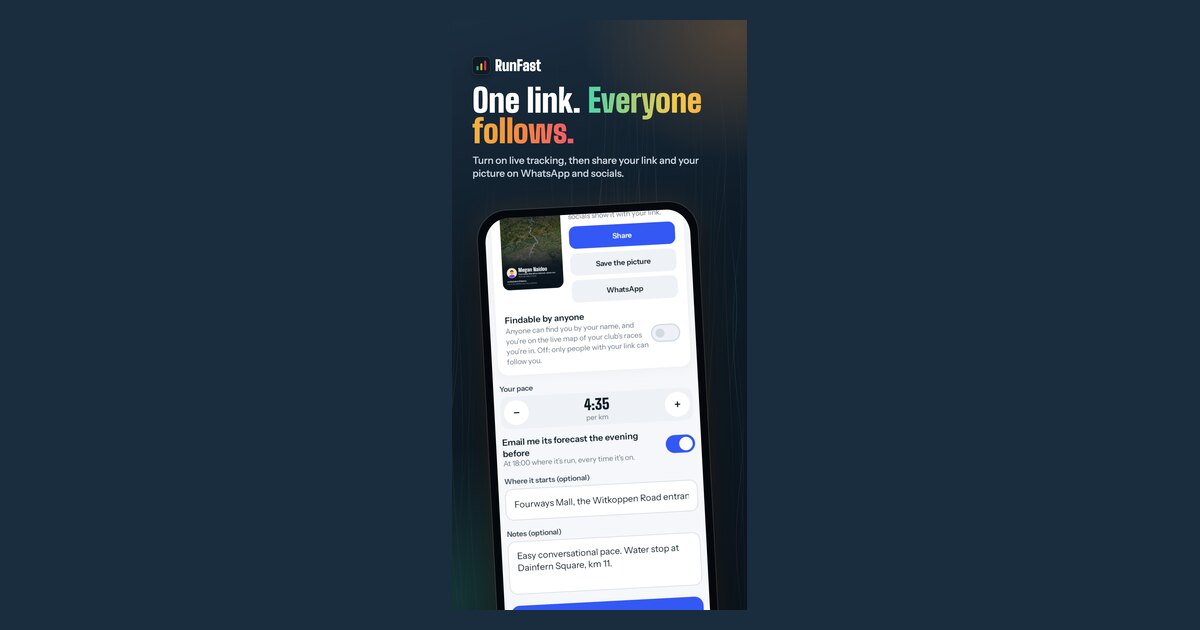
On the race's live tracking card, switch it off. You drop out of name searches and off the race maps at once.
Send the new link to the people you want
Share your new link with family and friends, so they can keep following you.
Sometimes a link travels further than you meant it to, or someone you'd rather not have watching is following you. Windline and RunFast give you five tools for it: remove, block, reset your link, switch off Findable by anyone, and stop. This guide says which one does what, and where each one is.
Which option do I need?
It depends on how they're following you. Use this table, then the steps below.
| The situation | What to do | What happens |
|---|---|---|
| They're in your followers list in the app | Remove | They stop following you straight away, and their alerts stop |
| They should never follow you again | Block | They can't follow you again, and their taps don't reach you |
| They opened your link in a browser | Reset your link | Everyone with only the old link stops seeing you |
| People you don't know found you by name | Switch off Findable by anyone | You drop out of searches and off the race maps at once |
| You want nobody to see you, right now | Pause or Stop | No more positions go out |
Where are my followers?
In the app, not on the website. Both apps list everyone who follows you in the app, and how they started.
- Windline: tap the Live button at the top of the Events screen. Your followers lists everyone, marked With your link or Approved. Someone asking to follow you shows as Wants to follow you, with Accept and Decline.
- RunFast: open You, then Followers. Each person is marked With your link or Approved; people following on a phone with no account show as "Someone with your link". Requests are under Wants to follow you.
People who opened your link in a browser aren't in either list, because their list of who they follow is kept in their own browser. To cut them off, reset your link.
Can I say no before someone follows me?
Yes. When someone asks to follow you, the app tells you, for example "Thabo wants to follow you", and they wait under Wants to follow you until you choose.
- Accept: they follow you, and see you whenever you're live. They're marked Approved in your list.
- Decline: they don't follow you.
People who have your link don't need to ask: the link is the permission. That's why it's worth sending it only to the people you mean, and resetting it if it travels.
What do they see when I change something?
Nothing that names you as the cause. Each change simply ends what they could see.
- Removed: you leave their list in the app, and their alerts stop.
- Blocked: the same, and they can't follow you again. Their taps get the same answer as everyone else's, but don't reach you.
- Link reset: the old link stops showing you. On RunFast, anyone opening it is told it has been reset. On Windline, the page says the link isn't working.
- Findable switched off: you disappear from their search results and the race maps.
How do I remove a follower?
Tap Remove next to them in your followers list. They stop following you straight away, and they no longer get alerts when you start, reach halfway and finish.
Removing isn't blocking. If they still have your link, they can follow you again. To stop that, block them, or reset your link too.
How do I block someone?
Tap Remove, then Block, next to them. You can also block anyone named in your taps on the back list.
- Windline: from Your followers (Remove, then Block), or from anyone named in your Taps on the back list.
- RunFast: You → Followers, then Remove and Block. Or from your Taps on the back list, in the app or on the web: on runfast.tech, open the race's ⋯ menu in Runs, choose Your taps on the back, and tap Block next to the person. To undo it, tap Unblock in the same place.
Once blocked, they stop following you and can't follow you again, and their taps on the back don't reach you. They aren't told. Help for each app: Windline and RunFast.
How do I reset my link?
Reset it from your followers screen. You get a new link at once, and the old one stops working for anyone who only had that.
- Windline: on the Live screen, under Your followers, tap Reset link, then Reset.
- RunFast: open You, then Followers. Under Your link, tap Reset, and confirm.
- Send the new link to the people you want following.
People you approved in the app keep following. Anyone opening the old link is told it has been reset. Reset after a race if you posted your link somewhere public, or before your next race for a fresh start.
How do I stop people finding me by name?
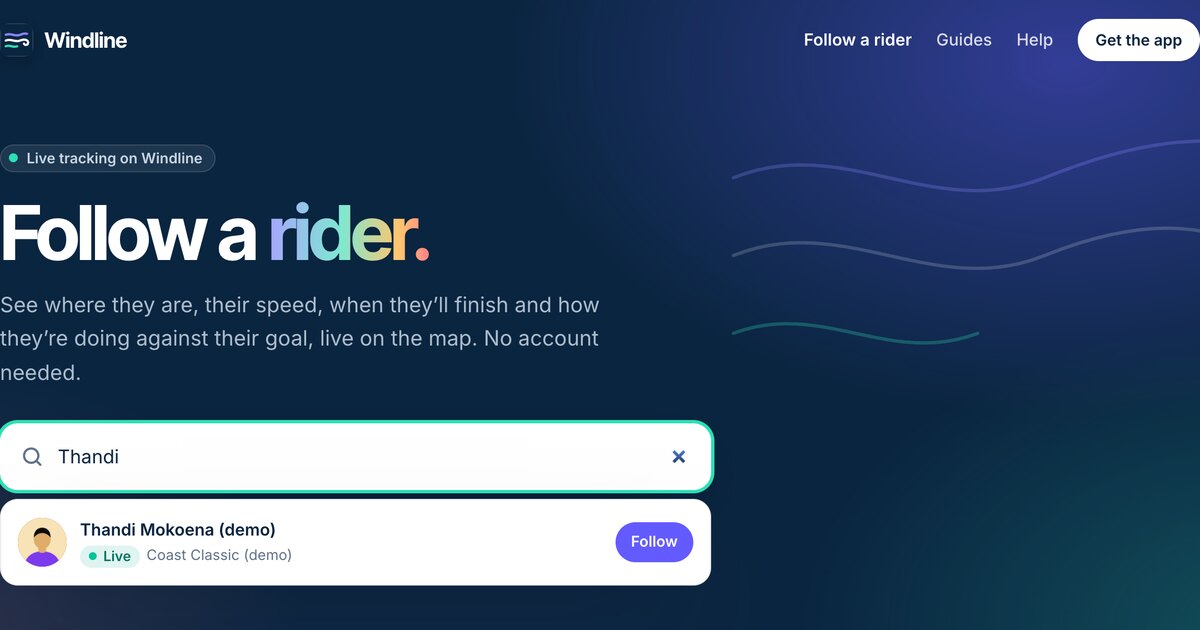
Switch off Findable by anyone on the race's live tracking card. It acts at once: you drop out of name searches on livedot.me, windline.tech and runfast.tech, and off the race's live maps.
- Windline: people who found you by name stop seeing you, unless you approved them or sent them your link and People I approve is on.
- RunFast: its help notes that people who already follow you from a search in the app keep following until you remove them there, so remove them too.
More about what Findable does, and who searches see, is in how to find someone in a race by name.
Can I stop sharing with everyone who has my link?
On Windline, yes: untick People I approve on the race's live tracking card. Your link stops showing you, while your club's members (if you share with them) and anyone you made Findable for still can. On RunFast, switching off Live tracking for the race takes it off your link: "Your link doesn't show this race."
What about my club's race map?
On Windline, untick My club's members, and switch off Findable, and you're not on your club's race map. On RunFast, the club race map shows only runners who chose Findable by anyone, so switching Findable off takes you off it.
What if someone's taps are unwelcome?
Block them, and their taps don't reach you. To stop taps from everyone, switch off Taps on the back in the app's settings; people following you then can't send one. See taps on the back.
When should I report someone?
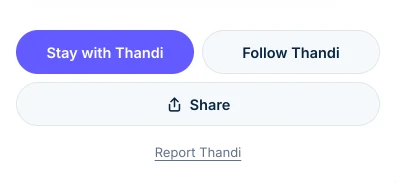
When someone is abusive, or a name, a photo or a club isn't right. Report is at the bottom of every rider and runner, and Report this club at the bottom of a club. You don't need to be signed in. A person looks at every report within 24 hours, and the person you report isn't told who it was. If someone may be in danger, call your local emergency number first.
How do I start again with the right people?
Reset your link, then send the new one only to the people you want, and leave Findable off. Your approved followers stay, so only the people you choose need the new link. The steps for sending it are in how to get friends and family following you, and the whole privacy picture is in live tracking privacy.
Questions
Will they know I removed or blocked them?
They aren't told. A removed follower simply stops seeing you. A blocked person gets the same answers as everyone else, so nothing tells them you blocked them.
Does resetting my link stop the people I approved?
No. People you approved in the app keep following. Only people who had nothing but your old link stop seeing you, and the old link says it has been reset.
Can someone I removed follow me again?
Yes, if they still have your link. Removing isn't blocking. To stop them coming back, block them, or reset your link and send the new one only to the people you want.
Can I undo a block?
On RunFast, tap Unblock in the same place you blocked them. Your followers list and your taps on the back list are where blocks live in both apps.
What if someone is harassing me?
Block them, and report them: Report is at the bottom of every rider and runner, and a person looks at every report within 24 hours. If you may be in danger, call your local emergency number first.