Following liveHow-to
How to find someone in a race by name
The short answer
Type at least 3 letters of their name into the search on livedot.me, which looks through cycling and running races at once, or on windline.tech/follow for riders and runfast.tech/follow for runners. Tap Follow. Only people who switched on Findable by anyone for their race show up, so if they're not there, ask them for their link.
Open the search
Open livedot.me for both sports, windline.tech/follow for riders or runfast.tech/follow for runners, on any phone or computer.
Type at least 3 letters
Type at least 3 letters of their name, from the start of their first name or their surname. Results appear as you type.
Pick the right person
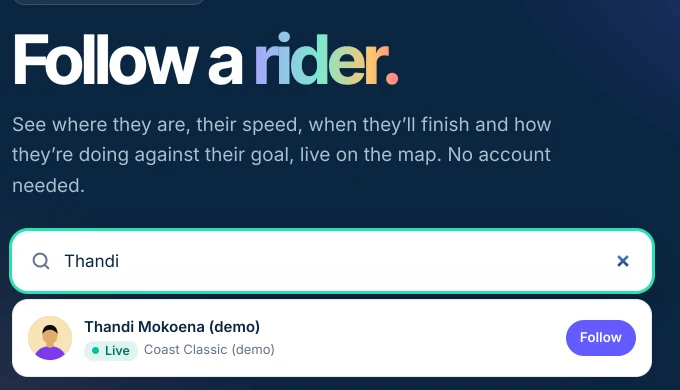
Each result shows their photo, their name, their race, and whether they're live now or when they start.
Tap Follow
Tap Follow beside them. There's no account to make and no request to send. They're kept on that device, live people first.
Open them on the map
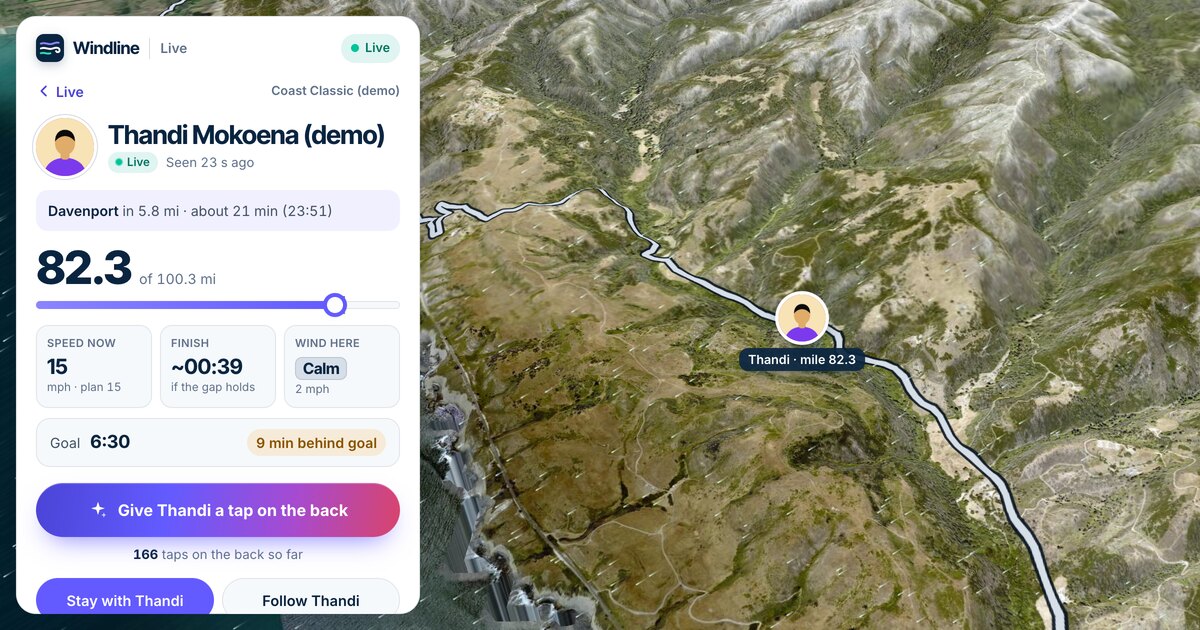
Tap their name to open their live page, with their position, their speed or pace, their finish time and the weather where they are.
You can find a rider or a runner by name, without their link, as long as they chose to be found. This guide covers where to search, what you'll see, and why a name sometimes doesn't show up, which is usually the person's own privacy choice working as it should.
Where can I search for someone by name?
Search on livedot.me for both sports at once, or on the app's own follow page if you know which one they use. Every search needs at least 3 letters.
| Where | What it searches |
|---|---|
| livedot.me | Riders on Windline and runners on RunFast who are Findable, plus organisers, clubs and events live now |
| windline.tech/follow | Riders on Windline who are Findable, in any race |
| runfast.tech/follow | Runners on RunFast who are Findable, in any race or run |
| A race's live map | Only the people in that race: Find a rider in this race or Find a runner by name |
| The apps | Windline: the Live button on the Events screen, then Find a rider. RunFast: the Live tab. |
No account is needed anywhere.
How do I search on livedot.me?
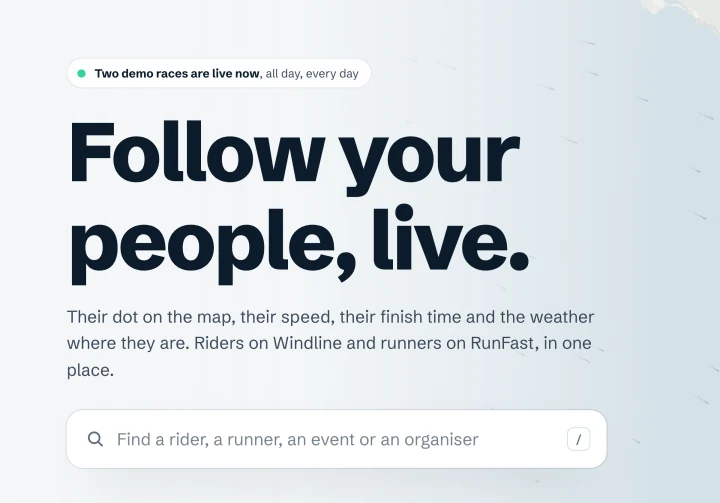
Type part of their name into the search at the top of the home page, and tap Follow beside the right person.
- Open livedot.me on any phone or computer.
- Type at least 3 letters of their name. Until then it says "Keep typing: three letters of their name."
- Read the results. People come first, with each person's photo, name, sport and race, and whether they're live now. Organisers, clubs and live events follow.
- Tap Follow. They move to Your people at the top of the home page, live people first, and they're there whenever you come back on that device.
- Tap their name, or Watch live on their card, to see them on their app's own live page, with the weather where they are.
livedot.me keeps up to 20 riders and 20 runners on each device, in that browser. The list lives on your device, not in an account.
How do I search on Windline or RunFast?
The same way, on their own follow pages. Type at least 3 letters, then tap Follow.
On Windline, type the start of any word in their name: "mok" finds Thandi Mokoena. Up to 20 riders show, each with their photo, their race, and Live, Finished or when they start. On RunFast, runners appear as you type, with their race, and Follow changes to Following.
The riders and runners you follow on each site are kept in that browser. In the apps, they're kept on your phone; RunFast also keeps them in your account once you sign in.
What does Findable by anyone mean?
Findable by anyone means anyone who types the person's name can find them and follow them in that race, with no account. It's a switch on the race's live tracking card in the Windline or RunFast app. It's off unless the person switches it on, and it counts for that race only.
When it's on:
- They show up in name searches, with their name, photo, race, and whether they're live or when they start.
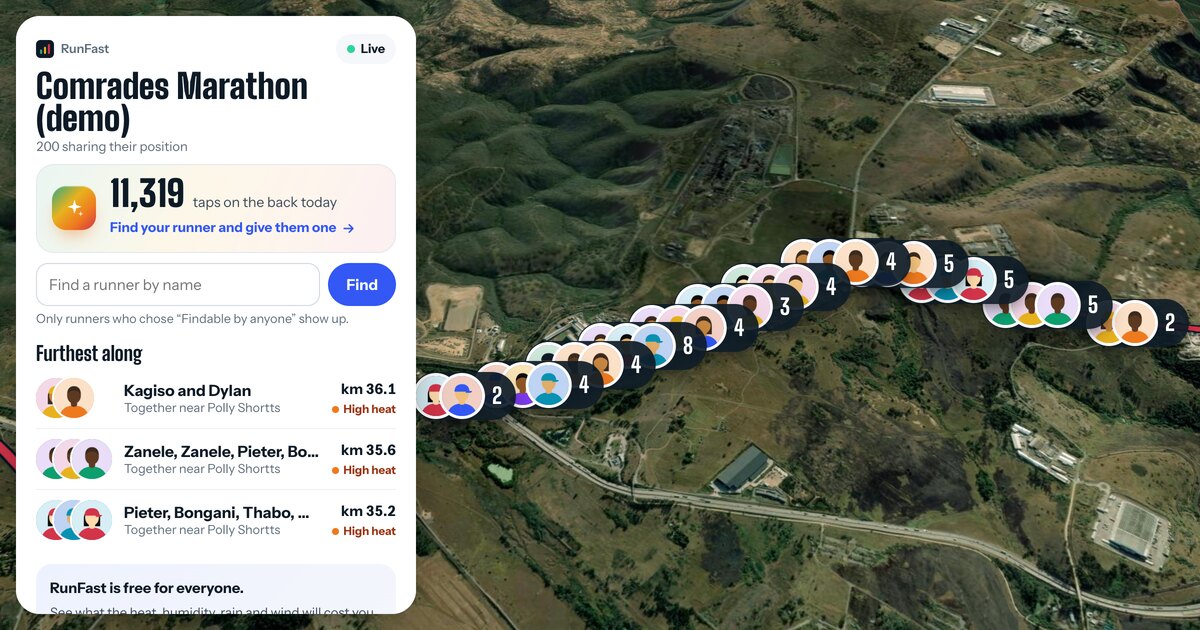
- They're on the race's live map, for everyone who opens it.
- On a club race, they're on the club's race map too.
When it's off, only the people they chose follow them: people with their link, people they approved, and, on Windline, their club's members if they share with the club. Private races on Windline can't be Findable at all. The full picture is in live tracking privacy.
Why can't I find them?
Usually because they didn't switch on Findable by anyone, and many people don't. Check these before you ask them for their link.
- Findable is off. It's off unless they switch it on, for each race. This is the most common reason.
- Fewer than 3 letters. Try their first name, or their surname, on its own.
- A different name. The search uses the name on their account, which may be their full name or another spelling.
- The wrong place. A race's own map searches only that race. Try livedot.me or the app's follow page, which search every race.
- Live tracking is off. On RunFast, Findable only counts while live tracking is on for the race.
Each site says it plainly: livedot.me, "Riders and runners show up here only when they chose Findable in their app; otherwise ask them for their link"; Windline, "Nobody by that name is findable right now"; RunFast, "Nobody by that name has chosen to be found".
How do I make myself findable?
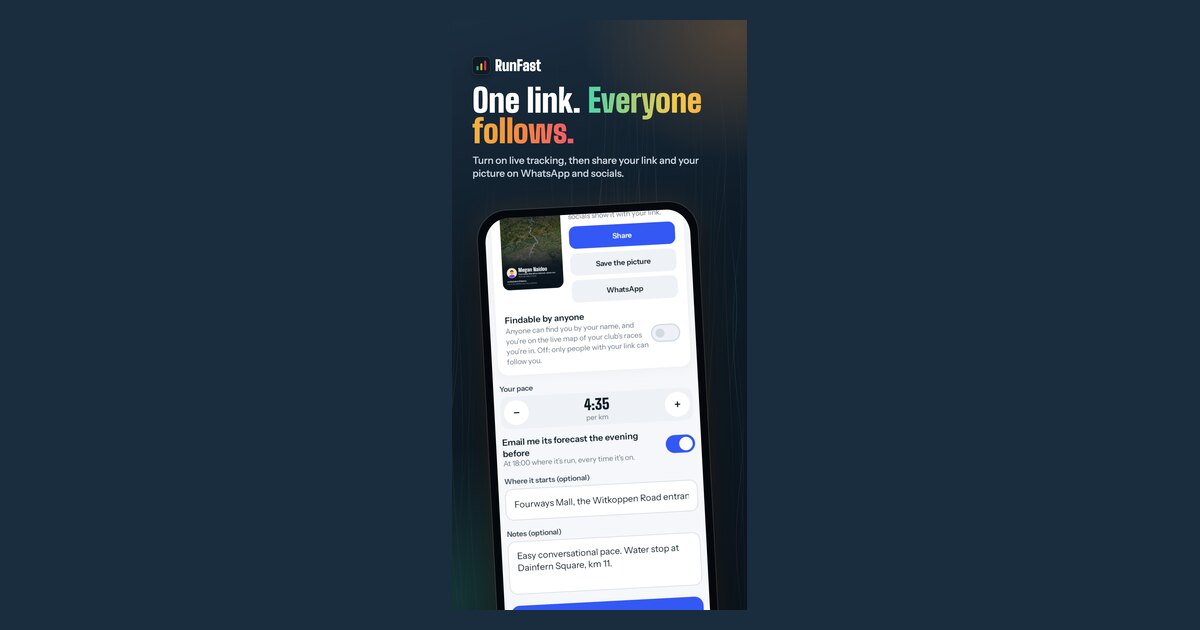
Switch on Findable by anyone on your race's live tracking card. It takes a few seconds, and you can switch it off again at any time.
- Windline: on your own race, tap it under Organising, then the gear: the card is in Race settings. On a club race, tap Your goal and live tracking under the race, on the club. Switch on Findable by anyone ("Anyone can find you by your name and follow you"), then tap Save.
- RunFast: open the race's live tracking (Edit on your own race, or Your goal and live tracking on a club race). With Live tracking on, switch on Findable by anyone. RunFast says "Anyone can find you by your name now." There's nothing else to save.
People search the name on your account, so make it the one they know you by, and add a profile photo so they pick the right person. Help for each app: Windline and RunFast.
Can I search inside one race?
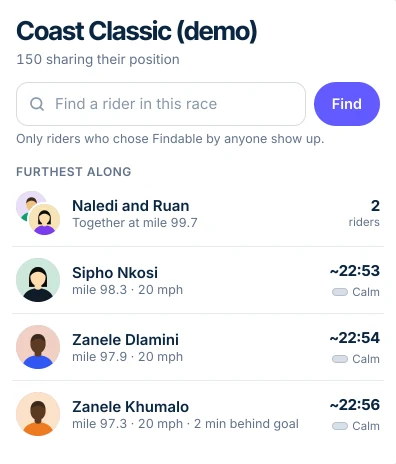
Yes. Every race's live map has its own box, which searches only the people in that race. It's quicker in a big field, and it's where to look if you're already watching the race.
Name or link: which should I use?
Use their link when you can. It works whatever they chose about being found, and in the apps it can send you alerts. A name search is for when you know someone's racing but don't have their link.
| Their link | Their name | |
|---|---|---|
| Works if they're not Findable | Yes, while they share with link holders | No |
| Alerts in the app | Yes | Windline: yes. RunFast: no, follow from their link for alerts |
| Keeps working if they switch Findable off | Yes | No |
| Stops working if they reset their link | Yes, ask for the new one | No |
Is it fair on the person I'm searching for?
Yes: they chose it, for that race, and can switch it off at any time. Searches show only the name they set and their photo if they added one, never an email address or phone number. If someone you follow switches Findable off, they disappear from your list unless you also have their link.
If something's wrong, every rider and runner has Report at the bottom of their card, and a person looks at every report within 24 hours.
Follow someone live: search by name on livedot.me. To follow from a link instead, see how to track someone in a race, or the sport-specific guides for runners and riders.
Questions
Can I search for someone by name without an account?
Yes. The search on livedot.me, windline.tech/follow and runfast.tech/follow needs no account, and following the person you find needs none either.
Why does nobody show up when I search?
Most likely the person left Findable by anyone off. It's off unless they switch it on, for each race. Check you've typed at least 3 letters of the name on their account, or ask them for their link, which works either way.
Can I find someone by their bib number, email or phone number?
No. The search looks only at the name people chose to show. livedot, Windline and RunFast never show an email address or a phone number.
Can I find someone before their race starts?
Yes, if they're Findable for it. Before the start they show with their race and when it starts, and you can follow them then. They appear on the map once they go live.
What happens if they switch Findable off?
They drop out of name searches and off the race maps at once, and you stop seeing them unless you also have their link.