Sharing your positionHow-to
How to ride or run for a cause and let followers back it
The short answer
Paste your fundraising link once, in Windline or RunFast. It goes on your livedot.me page and your live card, under Give a tap on the back, with a button to your fundraising page. The money goes straight there. livedot never touches it and never shows a total.
The people following you live already care how you're doing. That's the moment to show them what you're doing it for.
Paste your fundraising link
In Settings on Windline or You on RunFast (Account on the web), find Riding for a cause or Running for a cause and paste the link. The name and picture fill in by themselves.
Check it and save
You see the name, the picture and the web address. If the page doesn't give a name, type one in. You have one cause, the same on both apps and your livedot link.
Join your race
Your cause is already filled in. Keep it, swap it for this race only, or remove it for this race.
Go live
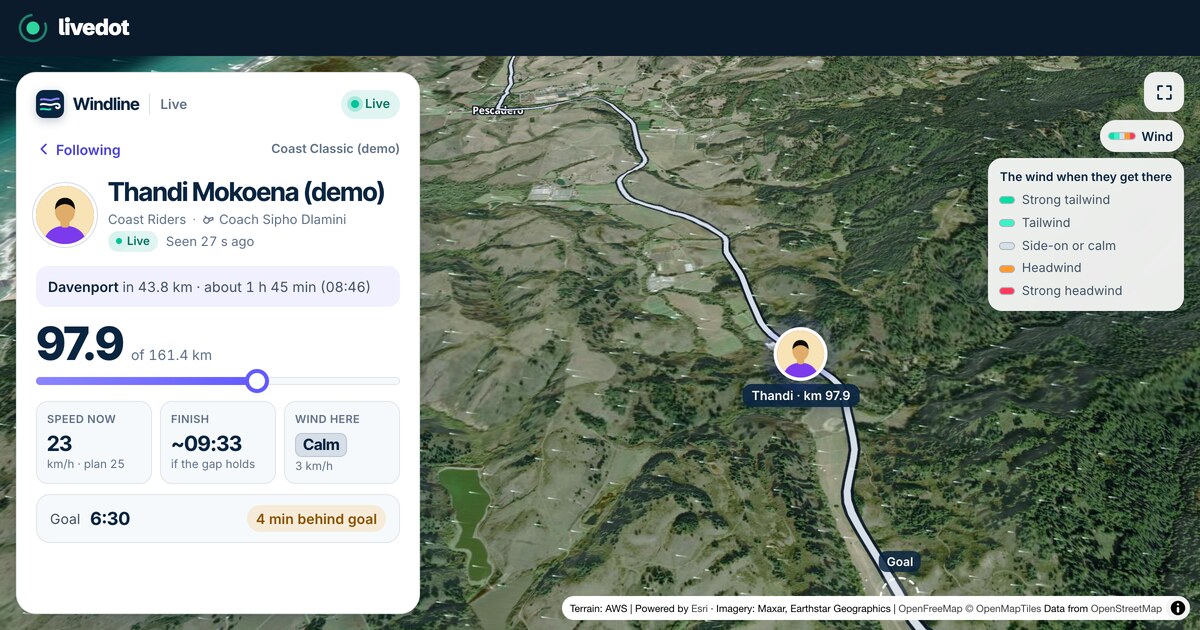
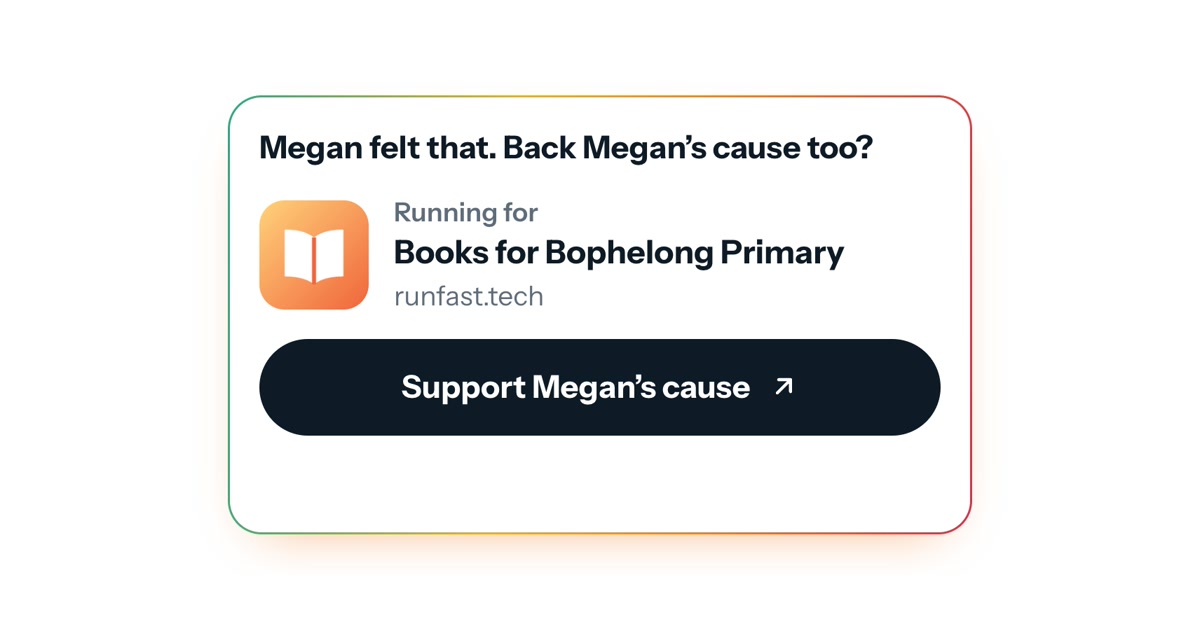
Followers see your cause under Give a tap on the back. After a tap the box lights up and asks if they'd like to back it too.
What followers see
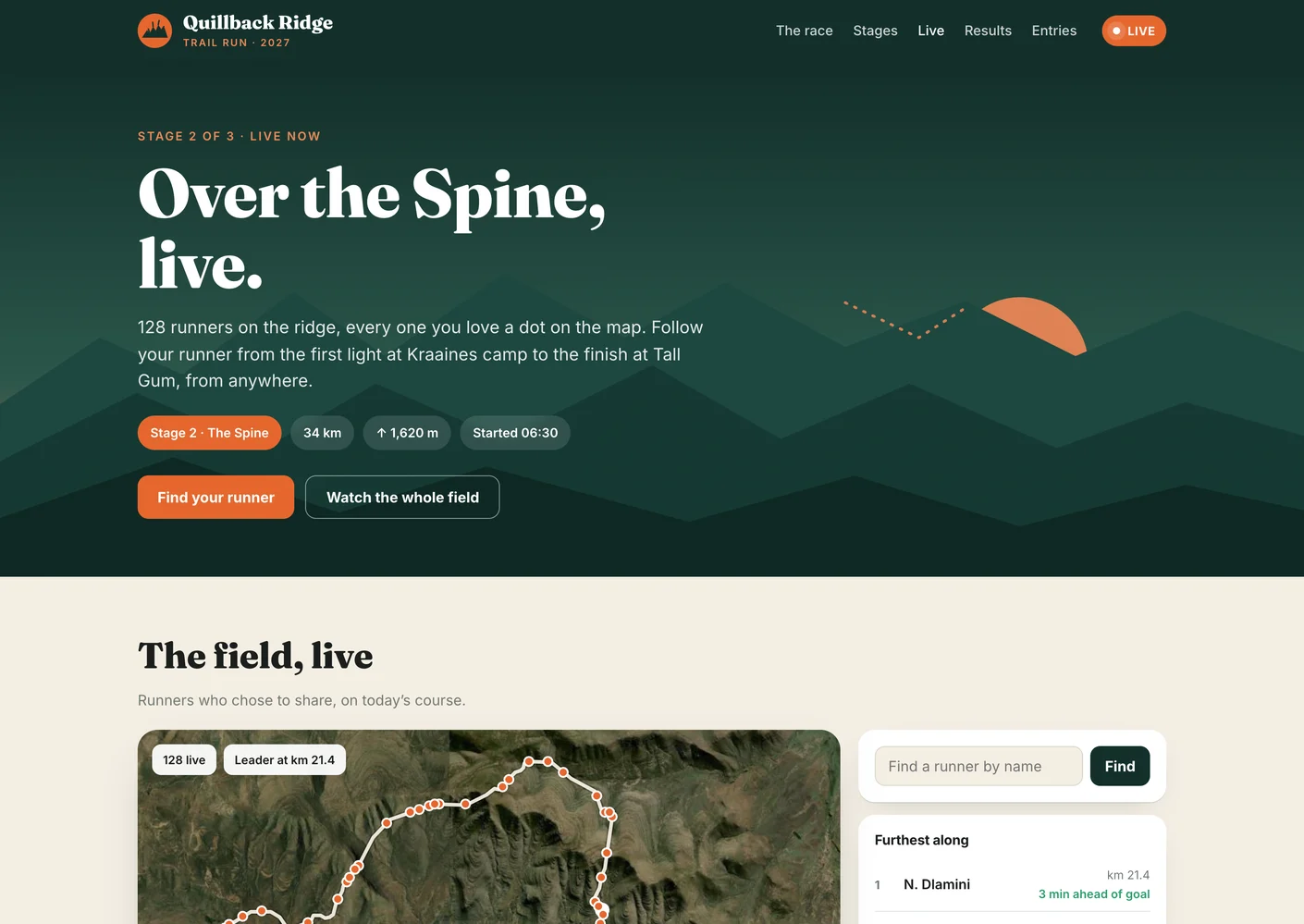
- Before the race: your livedot.me page says Riding Coast Classic for your cause.
- During the race: your cause sits on your card, under Give a tap on the back. After a tap: Thandi felt that. Back Thandi's cause too?
- After the race: your result says Rode for or Ran for, and the button stays.
- For life: your current cause is at the top of your page, and each past race says what it was for.
It shows on your livedot page, in public, whether you're live or not, and on anything you do live. A private race stays private.
Which fundraising pages work
Any public page that starts with https. That covers the big platforms, like BackaBuddy, GivenGain, JustGiving, GoFundMe, Givebutter and Donorbox, and a charity's own website.
The name and picture come from the page itself. Some pages don't give them away: a page behind a sign-in, like a Facebook fundraiser, or one that blocks automated visits. Then you type the name yourself, and a plain tile with the first letter takes the place of the picture. The link still works the same way.
Keeping it honest
The web address always shows under the name, so followers can see where the button goes before they tap it. Anyone can report a link from the card. If a link is taken down, the button goes from every page at once.
You stay in charge of yours. Change it or remove it in Settings on Windline or You on RunFast whenever you like, and swap it for one race without touching the rest.
Where to start
Add your link in RunFast if you run, or Windline if you ride. It's one cause on both.
Organisers can give a whole race its cause when they make or edit it. Tell us about your race at livedot.me/organisers.
If you want the walk-through for your sport, see watching a run live and supporting your charity or following a charity ride live. Using JustGiving or a similar page? See sharing your fundraising page while you race.
Questions
Does livedot take a cut of the money?
No. The button goes straight to your fundraising page, and livedot never touches the money. There are no totals or progress bars either.
What happens to past races if I change my cause?
They stay as they were. Each past race keeps what you rode or ran for. If you remove your cause, it leaves your card at once and past races keep the name without the button.
What if my fundraising link stops working?
Links are checked slowly in the background. If one keeps failing, the button goes and the name stays. When the page comes back, so does the button.
Can a race have its own cause?
Yes. The organiser adds it when making or editing the race, and the race page and live map say This race rides for or This race runs for. A person's own cause comes first on their own card.
Can I use a short link?
No. Links start with https and shorteners aren't allowed, so followers can always see where a button goes. The web address always shows under the name.
What does it cost?
It's free, thanks to ProLend.