Sharing your positionHow-to
How people can watch me run my race live and support my charity
The short answer
Share one link: your livedot.me page. Add your fundraising link once in the free RunFast app, then go live on race day. Friends and family open your link in any browser, with no app or account. They see your dot on the course, your pace and your finish estimate, and your cause sits under their tap on the back, with a button straight to your fundraising page.
You're running for a cause. The people who gave, or might give, want to know how you're getting on. And on the day, you can't answer messages with a number on your chest.
The easiest way is one link that shows both: where you are, and what you're running for.
Get the free RunFast app
Download RunFast from the App Store or Google Play. It's free, thanks to ProLend. You can also use runfast.tech/app in a browser.
Paste your fundraising link
Open You in the app (Account on the web) and find Running for a cause. Paste your fundraising link. The name and picture fill in by themselves. If the page doesn't give a name, type one in.
Join your race
When you join the race, your cause is already filled in. Keep it, swap it for this race only, or remove it for this race.
Share your livedot link
Send your livedot.me link to friends, family and sponsors before the start. It's the same link whether you're live or not.
Go live on race day
Tap Go live in RunFast before the start, or press start on a Garmin with the livedot data field. Your supporters watch your dot and can back your cause from the same page.
What do people see when they open my link?
They see you, live, and your cause, on one page. No app, no sign-up.
- Your dot on the course map, moving as you run.
- Distance, pace and a finish estimate, so they know when to be at the finish or when to refresh the page.
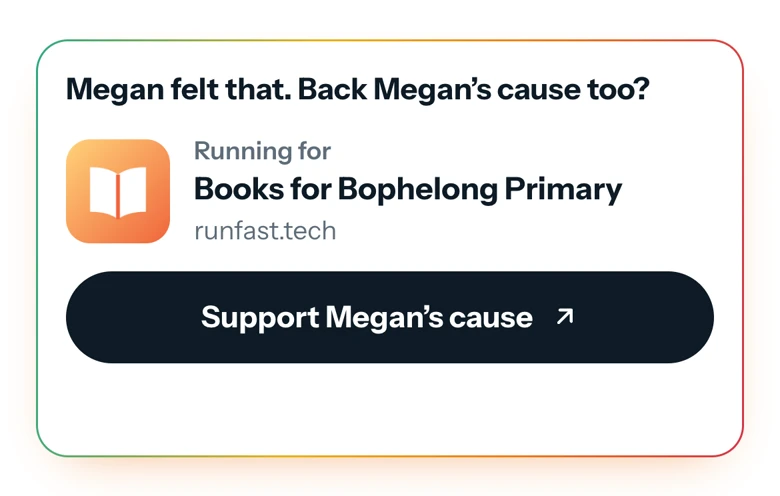
- Your cause, with its name, its picture and the web address, under Give a tap on the back.
- A tap button. A tap on the back is a small cheer. You feel it arrive.
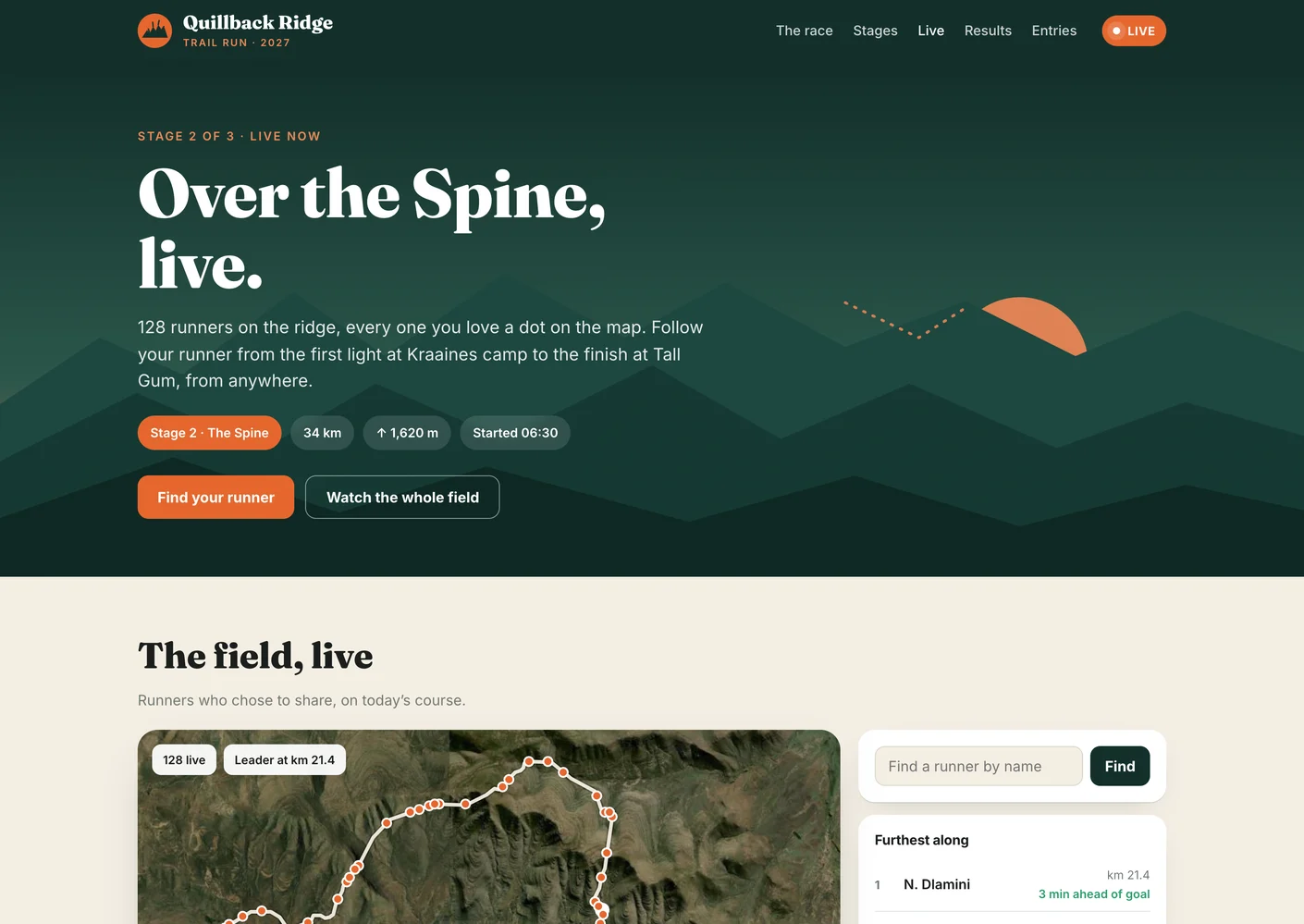
Try it with Megan's demo page. To see a whole running race on one map, open the Comrades demo.
How does the cause part work?
You paste your fundraising link once, and livedot puts it where your followers are looking.
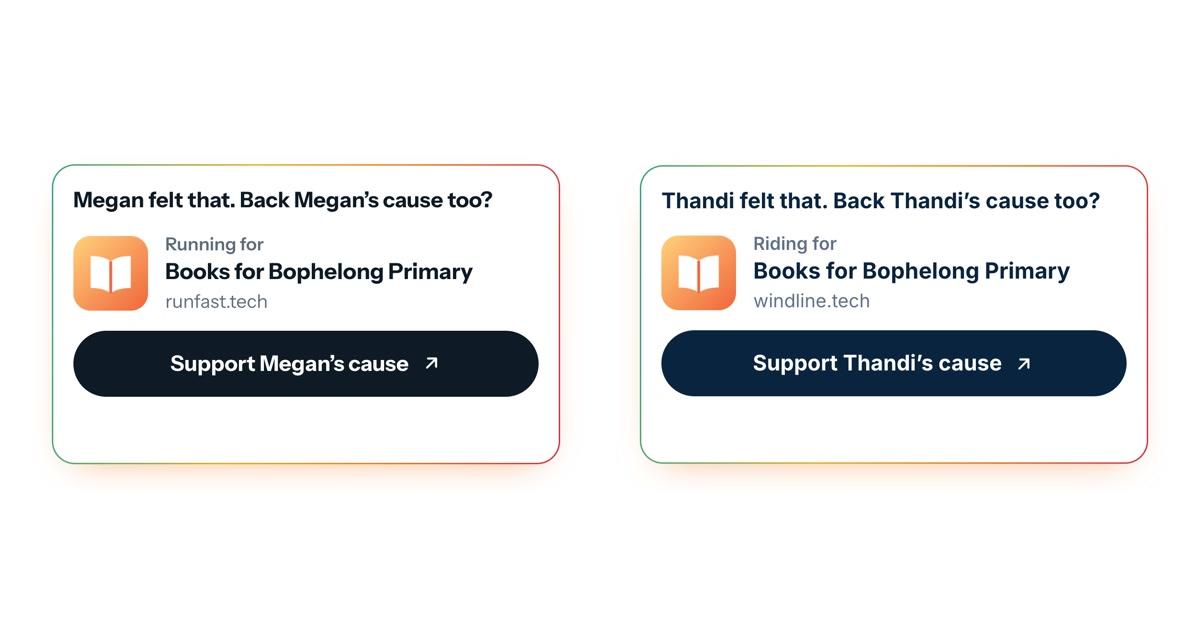
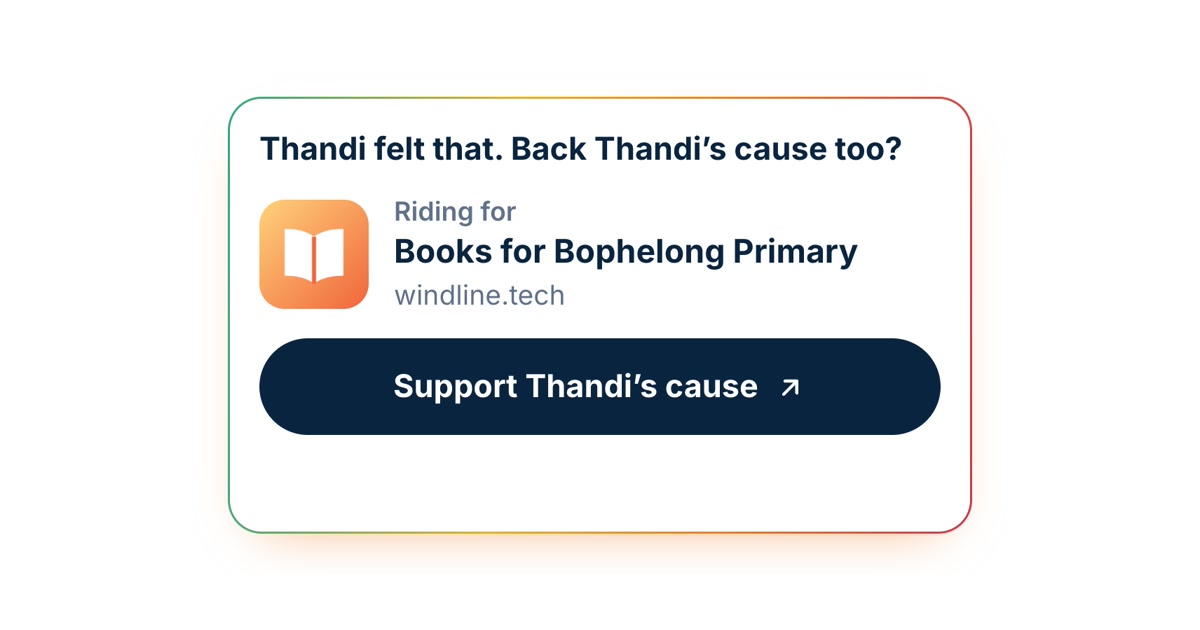
After someone sends you a tap, the box lights up with a line like "Megan felt that. Back Megan's cause too?" That's the moment people are warmest, so it's the moment the button is there.
Before the race, your race page and your livedot link say what you're running for. After it, the result says Ran for, and the button stays. That means people who find your link the day after can still give.
You have one cause. It's the same on RunFast, on Windline and on your livedot link. If you ride too, you don't paste it twice.
Where does the money go?
Straight to your fundraising page. livedot never touches the money and takes no cut.
That's why there's no total on your livedot page. Your fundraising page already keeps the count, and it's the one place people should trust for it.
Two small rules keep it honest:
- Links must start with https, and link shorteners aren't allowed. People can see where a button goes before they tap.
- The web address always shows under the name. Anyone can report a link. If a link keeps failing, its button goes and the name stays.
Which fundraising pages work?
Any public page that starts with https. That includes JustGiving, GivenGain, BackaBuddy, GoFundMe, Givebutter, Donorbox and a charity's own website.
The name and picture come from the page. Some pages keep them back. A sign-in page, like a Facebook fundraiser, or a page that blocks automated visits won't give them. Then you type the name yourself and a plain letter tile takes the place of the picture. The link works the same.
What if I'm joining a race?
Your cause comes with you. When you join a race, it's already filled in.
You have three choices for that race:
- Keep it. Most people do.
- Swap it for a different cause, for this race only. Your own cause stays as it was everywhere else.
- Remove it for this race.
Some races have a cause of their own. Their page and live map say This race runs for and the cause's name. That comes from the organiser. Your own cause comes first on your own card, so supporters see yours when they follow you.
Past races keep what they were for. If you change your cause next year, last year's result still says what you ran for.
How do I go live?
From the free RunFast app, or from a Garmin.
- iPhone or Android: RunFast is live in the App Store and Google Play. Tap Go live before the start.
- Garmin: add the livedot data field, and press Start near the start line. See how to set up livedot on your Garmin.
If you're not sure the phone will hold signal on the course, read live tracking with no signal.
What should I send people?
One message, the day before. Keep it short.
I'm running the [race] on Saturday for [cause]. Follow me live here: livedot.me/yourname. You'll see where I am, and there's a button to back the cause if you'd like to.
Send it again on the morning. People forget, and a link that's at the top of the chat is easier to find at 08:00 than one from last week.
Want the same for a ride? See following a charity ride live. Wondering how this sits next to your fundraising page? See sharing your fundraising page while you race.
Where to start
Get RunFast, paste your link, and open your own livedot page to see what supporters will see. For the full detail on the cause setting, read how to ride or run for a cause.
Questions
Do the people watching need an app or an account?
No. They open your livedot.me link in any browser, on a phone or a computer. They see your dot on the course, your distance, your pace and your finish estimate, and they can send you a tap on the back.
Can supporters donate from the live page?
They see a button to your fundraising page under Give a tap on the back. It takes them straight to the page you pasted, and they give there. livedot doesn't handle the money.
Does livedot show how much I've raised?
No. livedot shows no totals and no progress bars. Your fundraising page is where the amount lives, and that's one tap away.
Will it work with my fundraising platform?
It works with any public page that starts with https, including JustGiving, GivenGain, BackaBuddy, GoFundMe, Givebutter, Donorbox and a charity's own site. Pages behind a sign-in, like a Facebook fundraiser, don't give a name, so you type it.
Can I go live from a Garmin instead of my phone?
Yes. Install the livedot data field on your Garmin, and your dot goes on your livedot page the same way. Your followers see the same page, cause included.
What does it cost?
It's free for you and for everyone watching, thanks to ProLend.