Sharing your positionHow-to
How to set up livedot on your Garmin
The short answer
Install livedot from the Connect IQ Store in the Garmin Connect app, get a link code from Account, Link a Garmin in Windline (rides) or RunFast (runs) on the web, and paste it into livedot's settings in Garmin Connect. Add the livedot field to a data screen, press Start with your phone nearby, and within about 5 minutes you're live.
livedot is a free data field for Garmin, in the Connect IQ Store. Set it up once, and every time you press Start on your Edge or watch, the people you choose follow your dot on livedot.me, in any browser, with no app and no account. Your rides go to Windline and your runs to RunFast. This is the whole set-up, step by step, then what to do if something doesn't work.
Install livedot from the Connect IQ Store
On your phone, open the Garmin Connect app, then the Connect IQ Store. Search for livedot, tap Install and choose your device. If it says Install queued, sync your device with Garmin Connect (Bluetooth on, device awake): it installs within a minute or two.
Get a link code
For rides, sign in to Windline at app.windline.tech; for runs, to RunFast at runfast.tech/app. Open Account and choose Link a Garmin. The code works once, for 10 minutes. A Windline code starts with W, a RunFast code with R.
Paste the code into livedot's settings
In Garmin Connect, open your device, then Connect IQ apps, livedot, Settings, and paste the code into Link code. Linking both apps? The other code goes in the second box, Second link code.
Add livedot to a data screen
On an Edge: Settings, Activity Profiles, your profile, Data Screens, a screen, tap a field, then Connect IQ, livedot. On a watch: hold Menu, then Run settings, Data Screens, a field, Connect IQ, livedot.
Press Start
Start your ride or run as usual, with your phone nearby, Bluetooth on and Garmin Connect on it. Within about 5 minutes the field links and starts sending, and its status line says Recording · 2 min ago.
On an event or a race, just start near the course
On your own event or a race you're in, press Start near the course at the start time. You're live on it with no taps, and the status line says Live on and its name. Anywhere else, it's your own Ride live or Run live, which is private: only people with your follow link see it.
What do I need?
- A Garmin livedot works on: most Edge bike computers from the 530 up, the Forerunner 165, 170, 255, 265, 570, 745, 945, 955, 965 and 970, the Fenix 5 Plus to Fenix 9, Epix (Gen 2) and Epix Pro, Enduro 3 and 4, Venu 2 and newer, vivoactive 5 and 6, Instinct AMOLED, MARQ, D2 Mach and Descent Mk2, Mk3 and G2.
- A free account: Windline for rides, RunFast for runs, or both.
- Your phone, with the Garmin Connect app, paired with your Garmin. Your Garmin sends through it.
1. Install livedot from the Connect IQ Store
On your phone, open the Garmin Connect app, then the Connect IQ Store. Search for livedot, tap Install and choose your device.
If it says Install queued, the store is waiting for your device. Open Garmin Connect and sync your device with the phone, with Bluetooth on and the device awake. It installs within a minute or two.
2. Get a link code
The code tells livedot whose rides and runs these are.
- Rides, in Windline: sign in at app.windline.tech, open Account and, under Garmin, choose Link a Garmin. The code starts with W.
- Runs, in RunFast: sign in at runfast.tech/app, open Account and, under Connected apps, choose Link a Garmin. The code starts with R.
Your phone's browser works, or a computer. The code has 8 characters, such as WK7Q-4M2X. It works once, for 10 minutes, so have Garmin Connect open and ready. The Account page says the Garmin is linked by itself, once the field has used the code.
3. Paste the code into livedot's settings
In the Garmin Connect app, open your device, then Connect IQ apps, livedot, Settings. Paste the code into Link code and save.
Riding and running? Get a code from each app. One goes in Link code and the other in the second box, Second link code. It doesn't matter which goes where: livedot reads the W or the R.
4. Add livedot to a data screen
livedot sits inside Garmin's own ride and run screens, in place of one field. Any screen works, from one field to four.
- On an Edge: Settings, Activity Profiles, your profile, Data Screens, a screen. Tap a field, then Connect IQ, livedot.
- On a watch: hold Menu, then Run settings, Data Screens, a field, Connect IQ, livedot.
The menu names can differ a little between models and software versions. If you don't see livedot under Connect IQ, the install hasn't finished yet: sync your device with Garmin Connect again.
5. Press Start
Start your ride or run as usual, with your phone nearby, Bluetooth on and Garmin Connect on the phone. Within about 5 minutes livedot links by itself and starts sending. The status line at the foot of the field shows what it's doing:
- Recording · 2 min ago: linked, and your ride or run is being sent.
- Live on and the event's name, · 2 min ago: you're live on an event or a race (below).
Your dot moves on about every 5 minutes, with a point every 10 seconds in between. The first kilometre and anything within 1 km of where you started are never shown, so a ride from your front door never shows your front door.
Keep Count my rides and runs switched on in livedot's settings in Garmin Connect (it's on unless you turn it off). With it off, the field still shows the wind, but nothing is sent and you won't be live.
On your own event or a race
Just press Start near the course at the start time. On your own event or a race you're in, you're live on it with no taps: no app to open, nothing to join on the day. On your own event, its page shows Follow live while you're live, paused included, until you finish. On a race, you're on the race's live map.
Anywhere else, it's your own Ride live (Windline) or Run live (RunFast). Those are private: they never show on your livedot page, only to the people you've given your follow link. Your livedot page shows you live on the events, races and club rides where you chose to be findable. See how to get your livedot link.
What the field shows
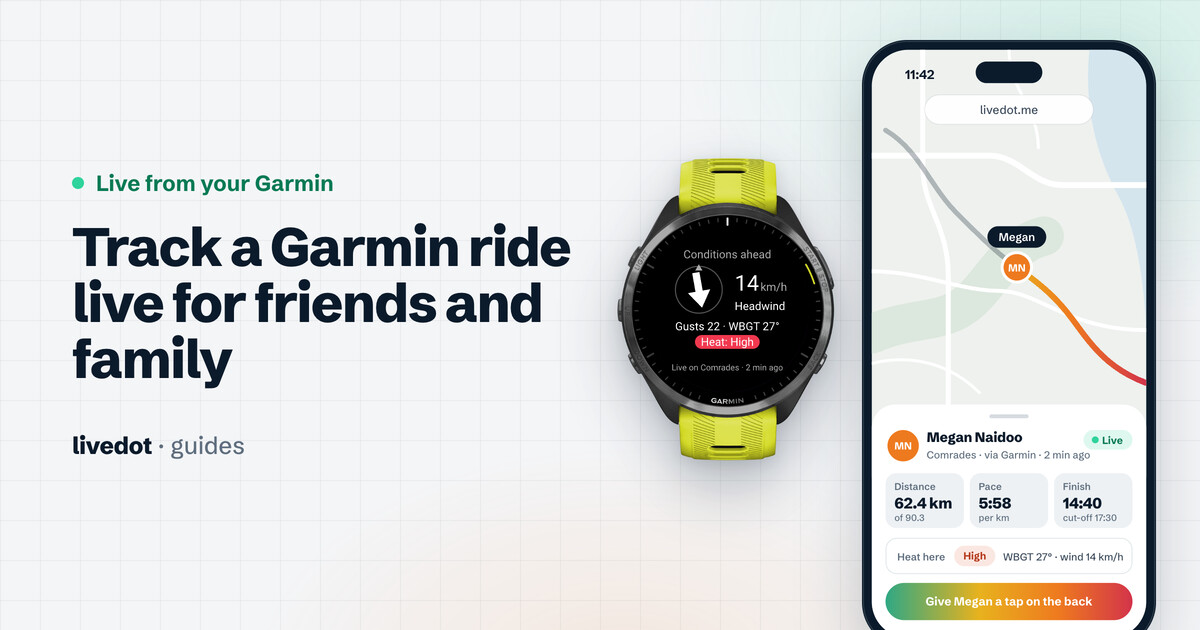
The wind on the road ahead, worked out every 5 minutes for where you're heading:
- An arrow for where the wind meets you (a headwind points at you), with its speed and which side it comes from.
- The gusts.
- A rating for the next stretch: Good, Fair or Tough. On a run, the heat stress takes its place: Low, Moderate, High or Extreme.
The weather shows whether livedot is linked or not, in your device's own units.
If something doesn't work
- "Install queued" and nothing happens: open Garmin Connect, check Bluetooth is on and the device is awake, and sync it.
- The field says "Link code didn't work": codes work once, for 10 minutes. Get a new code from Account, Link a Garmin, paste it into livedot's settings again and save.
- Nothing on the map after 10 minutes: keep the phone nearby with Garmin Connect on it and Bluetooth on, and sync your device. Remember the first kilometre is never shown.
- The field says "No phone connected": your Garmin can't reach the phone. Bring it closer and check Bluetooth. Your Garmin holds up to 2 hours of the ride or run and sends it when the phone is back.
- Followers can't see you: your very first Garmin ride or run starts with sharing off, so only you see it. After that it shares the way your last Ride live or Run live in the app did: start and finish one with Followers can see me on.
More help
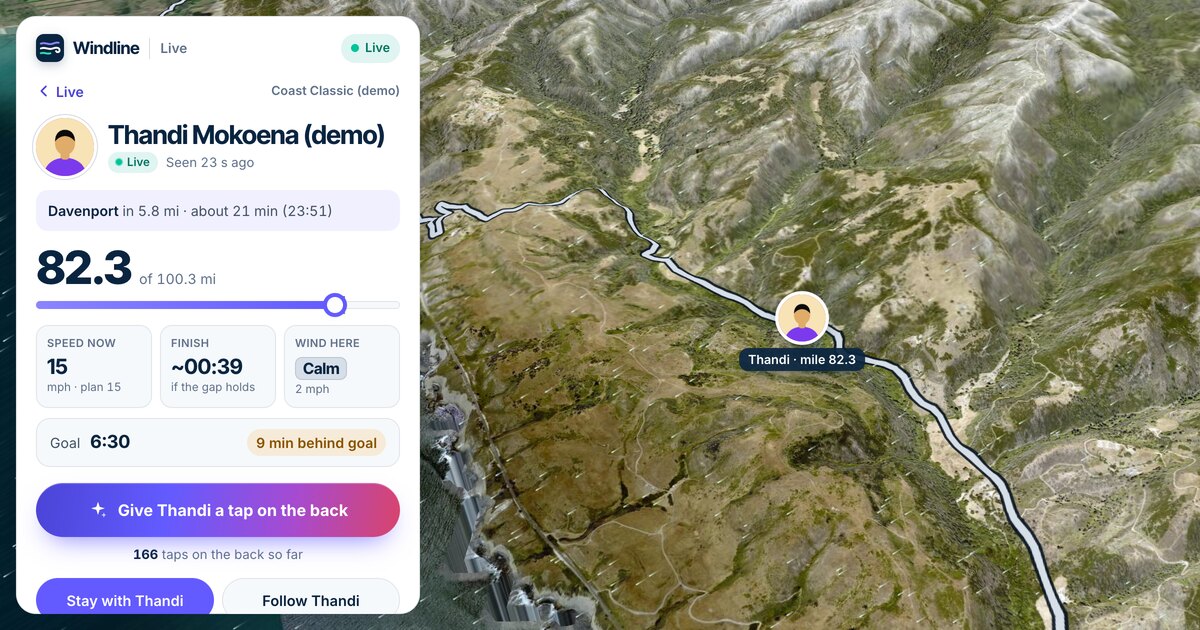
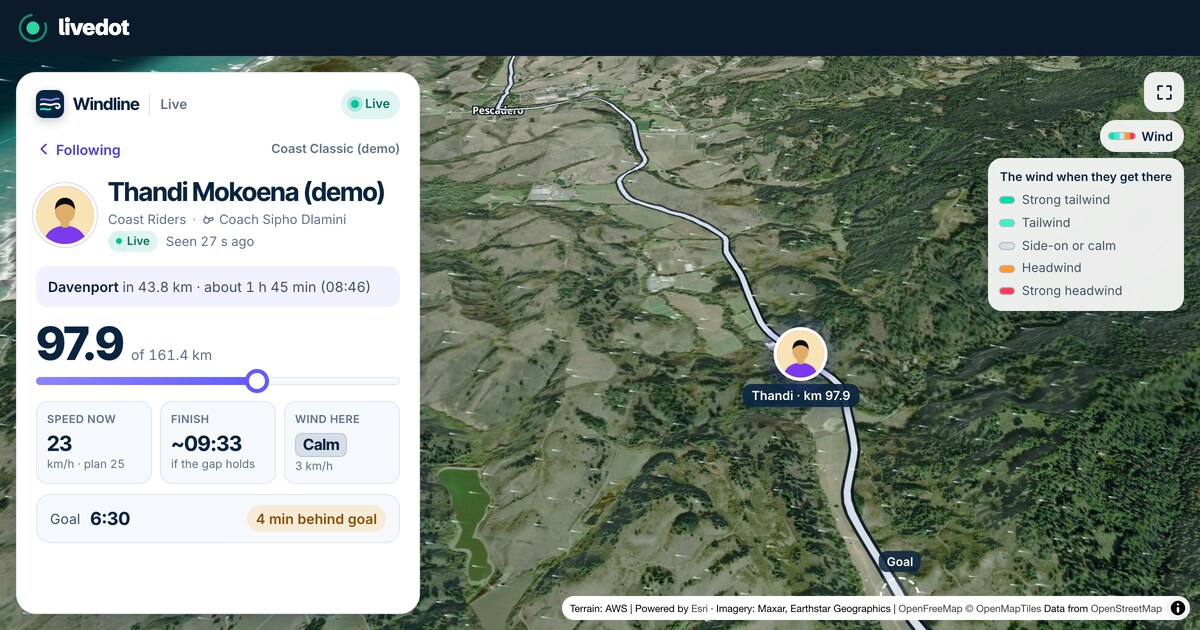
Windline's and RunFast's help centres have everything else, from who can watch to the December challenges and unlinking: your rides from your Garmin and your runs from your Garmin. What your followers see is in how to track a Garmin ride live.
Free for everyone, thanks to ProLend. Everyone following you watches on livedot.me.
Questions
Which Garmins does livedot work on?
The Edge 530, 540, 550, 830, 840, 850, 1030, 1030 Plus, 1040, 1050, Explore 2 and MTB; Forerunner 70, 165, 170, 245 Music, 255, 265, 570, 745, 945, 955, 965 and 970; Fenix 5 Plus, 6 Pro, 7, 8, E and 9; Epix (Gen 2) and Epix Pro; Enduro 3 and 4; Venu 2, 3, 4, Sq 2 and X1; vivoactive 5 and 6; Instinct 3 AMOLED and Crossover AMOLED; MARQ; D2 Air X10, Mach 1 and Mach 2; Descent Mk2, Mk3 and G2; Approach S50, S70 and S72; eTrex Touch and GPSMAP H1. One free livedot app covers them all.
Where do I get the link code?
In your Windline account for rides (app.windline.tech), or your RunFast account for runs (runfast.tech/app): open Account and choose Link a Garmin. The code works once, for 10 minutes. If it runs out before you paste it, just get a new one.
Can I link Windline and RunFast to the same Garmin?
Yes. Put one code in Link code and the other in Second link code. Your rides then go to Windline and your runs to RunFast, by the activity's sport.
Do I need my phone with me?
Yes. A Garmin has no internet of its own, so it sends through the Garmin Connect app on your phone. Keep the phone with you, Bluetooth on. You don't need to open Windline or RunFast.
Do I need to tap anything on race day?
No. On your own event or a race you're in, press Start on your Garmin near the course at the start time and you're live on it. On your own event, its page shows Follow live while you're live, paused included, until you finish; on a race, you're on the race's live map.
Why can't my followers see me yet?
The first kilometre, and anything within 1 km of where you started, is never shown. Your very first Garmin ride or run also starts with sharing off; after that it shares the way your last Ride live or Run live in the app did.
Does it cost anything?
No. The livedot app for Garmin, Windline, RunFast and following are free for everyone, thanks to ProLend.