Sharing your positionHow-to
How to get your livedot link: one follow link for every race
The short answer
Sign in to Windline at app.windline.tech or RunFast at runfast.tech/app, open Account, and type a name under Your livedot link. It's checked as you type. Tap Claim, and livedot.me/your-name becomes your follow link for every race, in both apps. It shows what your follow link shows, race by race, and isn't a social profile.
A follow link works, but windline.tech/f/ and a code is hard to remember and easy to lose in a chat. A livedot link is the same follow link with a name you choose, such as livedot.me/thandi. You share it once, and it works for every race you go live on, in Windline for cycling and RunFast for running. This guide covers claiming it, the name rules, what people see, and how to change or release it.
What is a livedot link?
A livedot link is your follow link, made memorable and stable: livedot.me and a name, the same for every race. It isn't a social profile. There are no posts, no followers list and no bio.
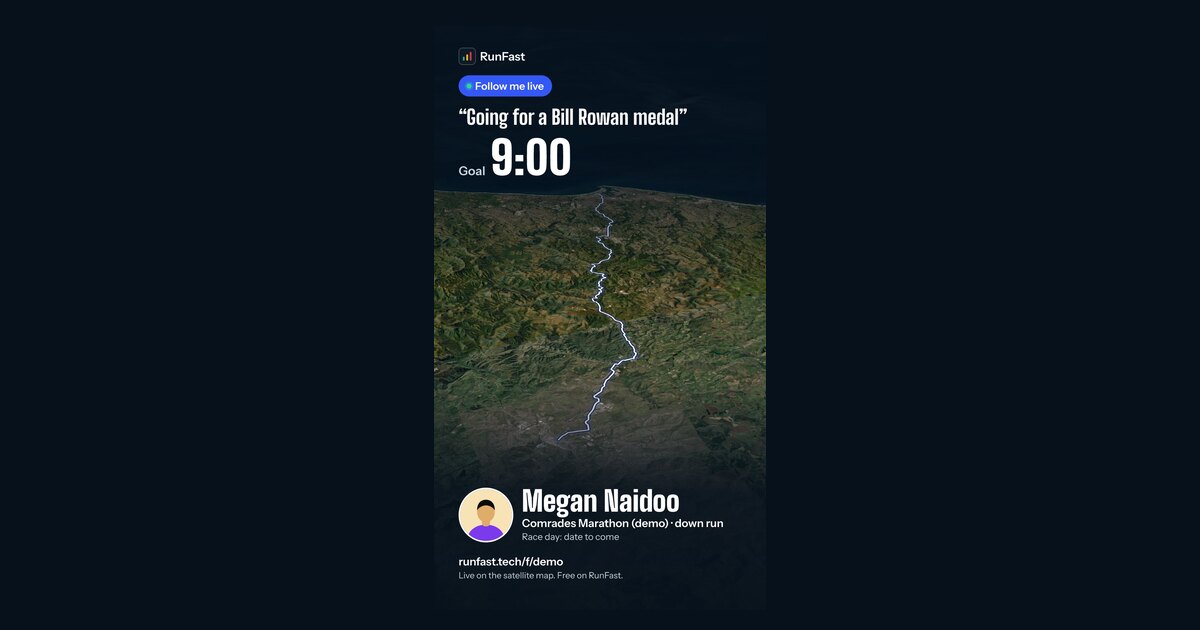
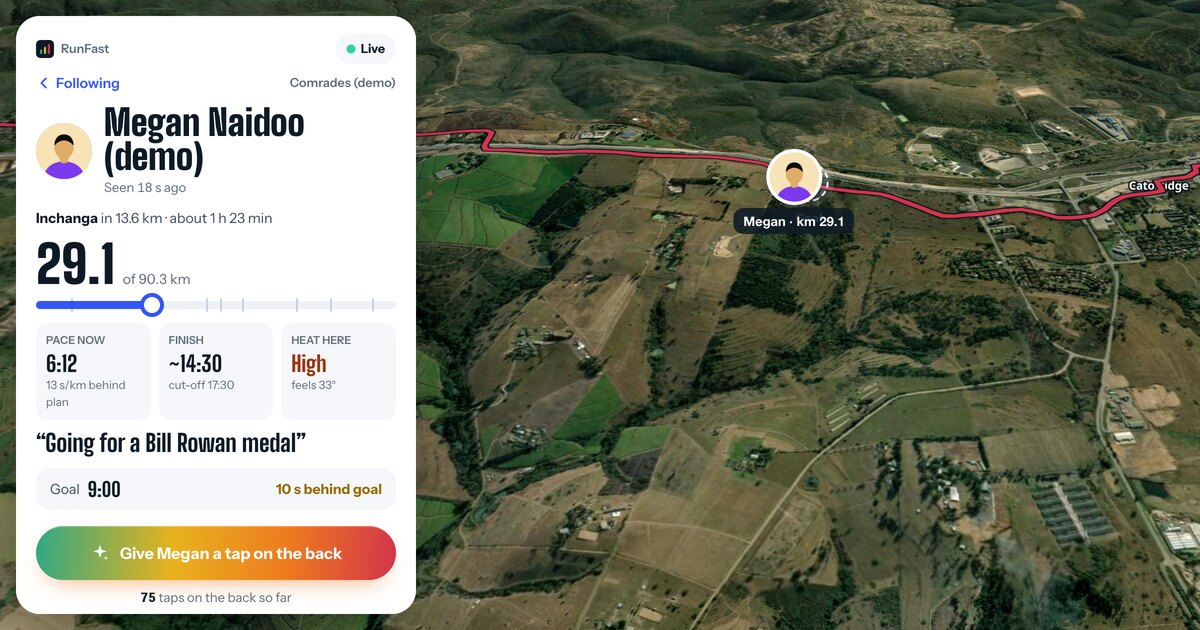
- While you're racing, it takes people straight to you on the race's live map, following your dot.
- While you're not, it shows your first name and the first letter of your last name, your photo if you've added one, and your public races coming up.
- Whoever opens it sees exactly what your follow link would show them, race by race. Nothing about who can see you changes.
People open it in any browser, with no app and no account.
Where do I claim it?
Claim it in your Windline or RunFast account, on the web. livedot.me itself has no sign-in.
| App | On the web | In the app |
|---|---|---|
| Windline | Account at app.windline.tech | Settings → Your livedot link, from the next update |
| RunFast | Account at runfast.tech/app | You → Your livedot link, from the next update |
Sign in to Windline or RunFast on the web
Riders: app.windline.tech. Runners: runfast.tech/app. Use the account you go live with. You need a confirmed email address and your first and last name on it.
Open Account
The card is called Your livedot link. In the apps, it's Settings in Windline and You in RunFast, from their next update.
Type the name you want
After livedot.me/, type 3 to 30 letters, numbers or hyphens, starting with a letter. The check says Available, Taken, or Not allowed with the reason.
Claim it
Tap Claim. livedot.me/your-name is yours straight away, and Copy copies it.
Share it once
Put it in your bio, your club's group chat or your email signature. It stays the same for every race you go live on.
Before you can claim, the account needs a confirmed email address and both a first and a last name. If either is missing, the card says so: "Confirm your email first", or "Add your first and last name to your account first".
What names can I use?
Any name that's free and follows the rules. It's checked against livedot's list as you type.
- 3 to 30 characters: the letters a to z, numbers and hyphens.
- It starts with a letter and ends with a letter or a number, with no double hyphens.
- Capitals don't count: livedot.me/Thandi is livedot.me/thandi.
Some names are kept back:
- livedot's own pages, such as guides, organisers, help and terms: "That address is part of livedot."
- Our names, anywhere in the name: livedot, Windline, RunFast and ProLend.
- Well-known races and events, with a year or a word such as live or official added, and words such as marathon, parkrun and ironman anywhere in the name: "Reserved for event organisers. Organising it? Get your event live."
- Brands and sport bodies, such as garmin, strava and uci.
- Club and organiser pages, which live at livedot.me/their-name too: "A club or organiser has this address."
- Offensive words, and names made to look like them.
So thandi-marathon won't work, but thandi-m or thandi-mokoena will. Each app's help explains every message: Windline and RunFast.
Are there limits on claiming?
Yes, so that nobody grabs names to hold or sell. New links are limited for both apps together.
- 2 new links per device in 30 days.
- 10 new links per internet connection in 30 days.
- One change every 30 days, counted from when you claimed it or last changed it.
When a limit applies, the message gives the real date you can claim again.
What do people see when they open it?
They see what your follow link would show them, so your choices on each race still decide.
| When | What they see |
|---|---|
| You're racing | Straight into the race's live view, following your dot: Stay with on Windline, Fly with on RunFast |
| In two races at once | Both, to choose from |
| You're not racing | Your name and photo, your public races coming up, or "No races coming up", with Follow |
| No one has the name | "No one at livedot.me/…", with a search and Get your event live |
Follow keeps you on their livedot list on that device. For an alert when you start, they open you in the Windline or RunFast app. Once the apps' next update is out, a tap on your link opens the app on phones that have it.
What about private races?
A private race never appears on your livedot page: not by name, not by date, and not while you're live on it. People following you on a private race use your follow link, never your livedot link: on Windline while People I approve is ticked, on RunFast on every race with live tracking on. Your first and last kilometre stay hidden.
Your page shows in search engines only while you're Findable by anyone on a public race with live tracking on, and then shows only those races, never a private one. The rest of the time, it asks search engines not to show it.
How do I stop it showing me on a race?
The same way as your follow link, because it is your follow link. A name is easy to guess, so anyone who knows it can follow you on the races where your link works.
- Windline: untick People I approve on the race's live tracking card. Your livedot link then shows nothing live for that race.
- RunFast: your link works on each race with Live tracking on. Switch it off for a race, and the race leaves your link.
- Everywhere: release your livedot link.
Resetting your follow link doesn't change your livedot link. The other tools, remove, block and Findable, are in how to stop someone following you.
How do I change or release it?
Both are on the same card in Account. A change keeps your old link working for a while, and a release stops it at once.
- Change it: type a new name under Change it, then confirm. Your old link keeps working for 30 days and takes people to the new one. No one else can claim the old name for 90 days.
- Release it: tap Release my handle, then Release. It stops at once in both apps, and anyone who followed you through it stops following. Your follow link keeps working.
- Take a name back: an old or released name is held for you for 90 days. Type it in again ("Held for you: take it back"). It counts as a change, so it's possible 30 days after your last one.
If you delete your account, your livedot link stops at once, and no one can claim it for 90 days.
Does one link cover Windline and RunFast?
Yes. You have one livedot link across both apps. If your Windline and RunFast accounts use the same confirmed email address, they link by themselves: claim in either app, and the other account gets it too.
Your page then shows your rides and your runs together, and a tap opens whichever one you're racing in. If the two accounts use different email addresses, they aren't linked.
The full detail is in each app's help: Windline and RunFast. The rules for handles are in the Terms of Use.
Questions
Is a livedot link a profile?
No. There are no posts, no followers list and no bio. It shows where you are while you race, and the races you have coming up, the same as your follow link would.
Does it cost anything?
No. livedot links, Windline, RunFast and following are free for everyone.
Can I have one in Windline and another in RunFast?
You have one livedot link across both apps. If your accounts use the same confirmed email address, they link by themselves, and your page shows your rides and your runs.
Can someone take my name later?
Not while it's yours. After you change it or release it, it's held for you for 90 days, and no one else can claim it in that time.
Why can't I have the name of my race or club?
Well-known events, clubs and organisers share the same addresses at livedot.me, and their names are kept for them. If you organise it, use Get your event live at livedot.me/organisers.