Sharing your positionHow-to
How to track a Garmin ride live for friends and family
The short answer
Install the free livedot app on your Garmin Edge or watch, link it once with a code from your Windline or RunFast account, and press Start as usual. Your Garmin sends your position through Garmin Connect on your phone, and anyone with your link follows your dot in any browser, with no app or account.
You already record every ride on your Garmin. Now the same ride can be live for the people at home. livedot is one free Connect IQ app for Garmin Edge bike computers and Forerunner and Fenix watches. Link it once to your Windline or RunFast account, and every time you press Start your followers see your dot move, in any browser, with no app and no account.
The livedot app for Garmin is with Garmin for review. Until it's in the Connect IQ Store, this guide is how it will work on the day it arrives.
Install livedot on your Garmin
In the Garmin Connect app on your phone, open the Connect IQ Store, find livedot and install it on your Edge or watch. It's in Garmin's review now, so it's coming soon.
Get a link code
Riders: sign in at app.windline.tech, open Account and, under Garmin, tap Link a Garmin. Runners: sign in at runfast.tech/app, open Account and, under Connected apps, choose Link a Garmin. The 8-character code works once, for 10 minutes.
Type the code into the field's settings
In Garmin Connect, open your device, then Connect IQ apps, livedot, Settings, and type the code as the link code. Save.
Add the field to a data screen
On your Edge or watch, open your activity profile's data screens, choose a field and pick Connect IQ, then livedot. Any screen works.
Send your link
Send your follow link or your livedot link to the people you want watching. They open it in any browser, with no app and no account.
Press Start and ride
Keep your phone with you, with Bluetooth on and Garmin Connect running. Within 5 minutes the field links by itself and you're live.
What do I need?
Three things, all free.
- A Garmin Edge or a Forerunner or Fenix watch that the livedot app supports. The Connect IQ Store listing shows the models.
- A Windline or RunFast account. Windline is for cycling and RunFast for running. You can link one Garmin to both: a Windline code links your rides and a RunFast code links your runs, and the livedot field sends each activity to the right one by its sport.
- Your phone, nearby. A Garmin has no internet of its own. It sends through the Garmin Connect app on your phone, so keep the phone with you, Bluetooth on and Garmin Connect running. You don't need to open Windline or RunFast.
How does it work during the ride?
Exactly as you ride today. You start, pause and save the ride on your Garmin. Garmin's own data screens stay as they are; the livedot field sits inside one of them.
- While Garmin's timer runs, the field keeps your position every 10 seconds and sends it in batches about every 5 minutes. Your followers see the dot move on with each batch, with the line drawn in between.
- A pause on your Garmin pauses your live ride. Followers don't see your dot while you're paused.
- Without your phone, your Garmin holds up to 2 hours of the ride and sends it when the phone is back in reach.
- When you save the ride, it finishes. If your Garmin doesn't say so, it finishes by itself 30 minutes after the last batch, with everything it sent kept.
The field also shows the weather on the road ahead, every 5 minutes: on a ride, an arrow for where the wind meets you, its speed and gusts, and how the next stretch rates (Good, Fair or Tough); on a run, the heat stress and the wind. It shows the weather whether it's linked or not.
What do friends and family see?
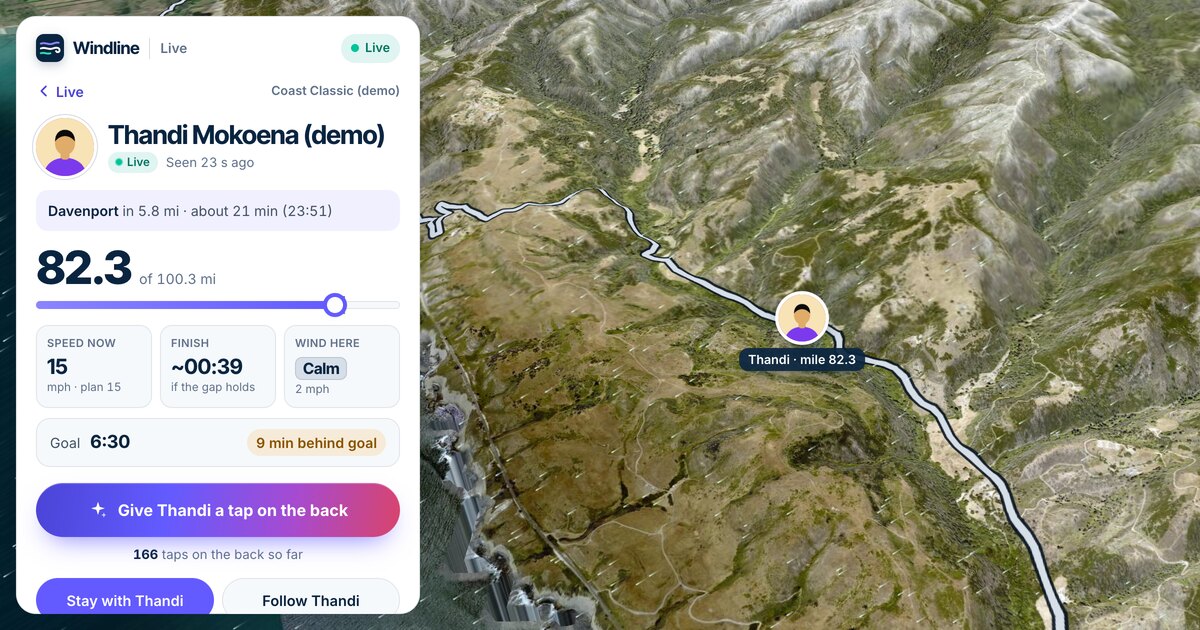
Your follow link, or your livedot link, opens a live page in any browser on a phone or computer. There's nothing to install and no account to make.
- Your dot on the map, moving on with each batch while you ride, and your line behind you.
- The same live page as a Ride live or Run live from the phone. A Garmin ride isn't a lesser version: it's handled exactly the same way, from who can watch to what's kept.
- The page works anywhere, on any phone or computer, so a grandparent with an old laptop sees the same as a friend on the latest phone.
If they want an alert when you start, they can follow you in the Windline or RunFast app. A browser doesn't send alerts, so tell them to keep the page open or check back.
Who can watch?
A Garmin has no Start screen to ask, so a Garmin ride shares the way your last Ride live (or Run live) in the phone app did.
- Your very first Garmin ride starts with sharing off: only you see it. That's on purpose, so nothing is shared before you've chosen.
- After that, it takes the Followers can see me choice from your last Ride live in the app. If that was on, the people you approve, and anyone with your follow link or your livedot link, can watch.
- A Garmin ride is never Findable by anyone. Nobody can find it by searching your name, and it's never on a challenge map.
To change who can watch, start and finish a Ride live in the app with the choice you want. Your Garmin follows it from the next ride.
Is it private enough to share every ride?
It uses exactly the same privacy rules as a Ride live from the phone. Followers see your dot only while you're moving:
- Never in your first kilometre, and never within 1 km of where you started, so a ride from your front door doesn't show your front door.
- Never while you're paused or stopped, at a café, a red light or home.
- Your line never shows the first kilometre, and after the finish it never shows the last one.
You choose who has your link. If it ends up somewhere you don't want it, reset it in the app: anyone with only the old link stops seeing you.
What about races and club rides?
Coming with launch: tap I'm in on the race on your club's page, then just press Start on your Garmin. You're live on the club page and on the race map, the same as if you'd gone live from the phone app. Your goal and your entry's own sharing choices apply. If you're not entered in a race, nothing changes: it's your own live ride on your livedot page.
For a whole club or a race field on one map, see live tracking for clubs.
Does it count toward the December challenges?
Yes, if you've entered. Every Garmin ride from 16 to 31 December counts toward the Windline 1000 by itself, as verified kilometres, and every Garmin run toward the RunFast 200. Each finished ride or run is also saved to Past in your account, privately, with its track, where you can rename or delete it.
The field has a second setting, Count my rides (or runs). It's on when you install. Switch it off and your Garmin stops sending: nothing is recorded, counted or kept, and the field still shows the weather.
What if I use the phone app as well?
You can, but you don't need to. If you start Ride live on your phone and record on your Garmin at the same time, the phone counts and the Garmin's points are set aside, so the ride is never counted twice. If the phone stops sending for over 10 minutes, your Garmin's next ride records as usual.
A quick check before the first ride
- Phone: Bluetooth on, Garmin Connect allowed to run in the background, and a full battery for a long day.
- Garmin: the livedot field on a data screen you'll actually see, and Count my rides on if you're in a challenge.
- Sharing: your last Ride live in the app had Followers can see me on, if you want people watching.
- Followers: they have your link, and know the dot moves on about every 5 minutes, not every second.
How do I stop it?
In Account, tap Unlink next to the Garmin. It stops recording within a minute. Rides it already sent stay counted and in Past. You can link up to 5 Garmins to one account.
The full instructions
The steps above are the whole set-up. Windline's and RunFast's help centres add the exact menu names on your device when the app is in the Connect IQ Store. Until then, Windline and RunFast are where to make your free account and get your link code.
Free for everyone, thanks to ProLend. Everyone following you watches on livedot.me.
Questions
Do I need the Windline or RunFast phone app open to share a Garmin ride live?
No. Once the livedot field is linked, pressing Start on your Garmin is enough. It sends through the Garmin Connect app, so your phone needs to be nearby with Bluetooth on, but you don't open Windline or RunFast.
How often does my dot move?
Your Garmin keeps a point every 10 seconds and sends them in batches about every 5 minutes. Followers see the dot jump forward with each batch, with the line filled in between.
Which Garmin devices work?
One livedot app covers Edge bike computers and Forerunner and Fenix watches. The Connect IQ Store listing shows exactly which models, once the app is out of Garmin's review.
Can followers see where I live?
No dot is shown in your first kilometre or within 1 km of where you started, and none while you're stopped or paused. After the finish, your line never shows the last kilometre either.
Does it cost anything?
No. The livedot app, Windline, RunFast and following are free for everyone, thanks to ProLend.
Do my Garmin rides count toward the Windline 1000?
Yes, if you've entered. Every Garmin ride from 16 to 31 December counts by itself as verified kilometres, and runs count toward the RunFast 200 the same way.