Sharing your positionHow-to
How people can follow my charity ride live and back my cause
The short answer
Add your fundraising link once in the free Windline app, then go live on ride day. Supporters open your livedot.me link in any browser, with no app or account. They see your dot on the route, your speed and your finish estimate. Your cause sits under their tap on the back, with a button to your fundraising page.
A charity ride is long, and the people who sponsored you can't ride it with you. A live dot is the next best thing. It lets them watch the day, send a cheer when it gets hard, and give if they haven't yet.
One link does all of that.
Get the free Windline app
Download Windline from the App Store or Google Play. It's free, thanks to ProLend. You can also use app.windline.tech in a browser.
Paste your fundraising link
Open Settings in the app (Account on the web) and find Riding for a cause. Paste your fundraising link. The name and picture fill in by themselves. If the page doesn't give a name, type one in.
Join your ride or sportive
When you join the event, your cause is already filled in. Keep it, swap it for this event only, or remove it for this event.
Share your livedot link
Send your livedot.me link to sponsors, friends and family before the start. It's the same link whether you're live or not.
Go live on ride day
Tap Go live in Windline before you roll out, or start a Garmin with the livedot data field. Supporters watch your dot and can back your cause from the same page.
What do supporters see when they open my link?
They see you on the route, and what you're riding for.
- Your dot on the map, moving along the route.
- Speed, distance and a finish estimate. Families know when to be at the line, and sponsors can see the day going well.
- Your cause, with its name, its picture and its web address, under Give a tap on the back.
- A tap button. A tap on the back is a small cheer, and you feel it arrive.
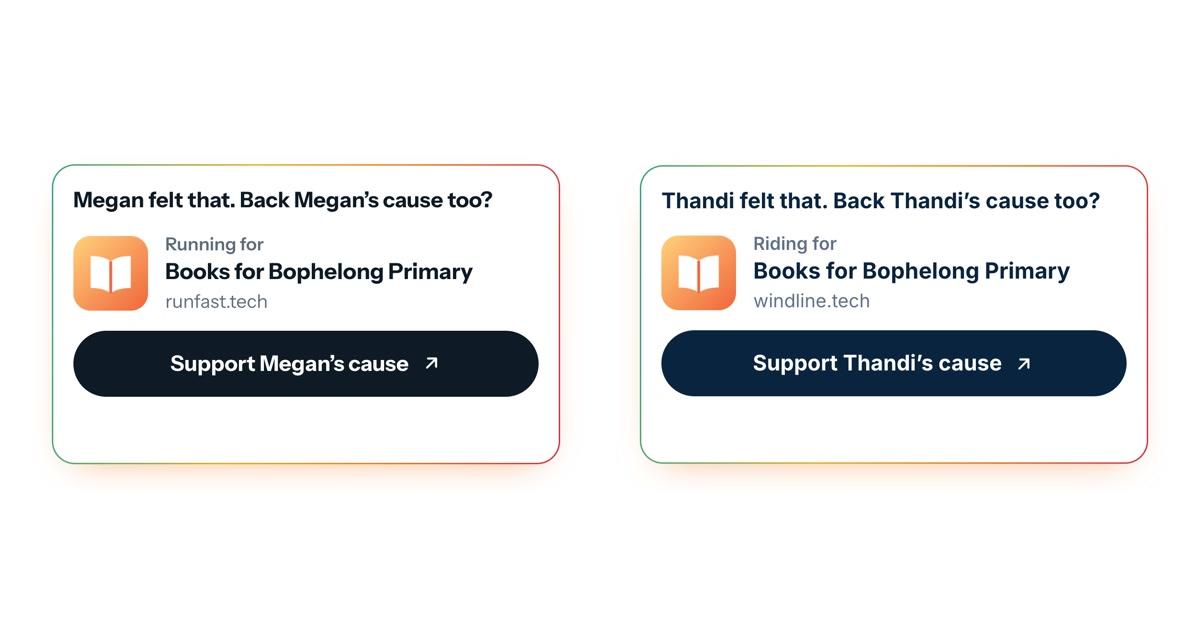
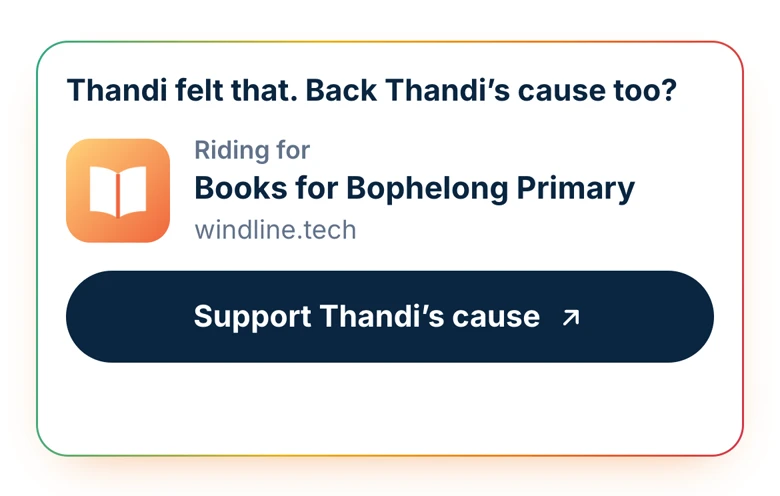
Thandi's demo is a good example. She's riding for "Books for Bophelong Primary". Open her page and look at the card. To see a whole ride on one map, open the Coast Classic demo.
How does the cause work on a ride?
Paste your fundraising link once and it follows you everywhere.
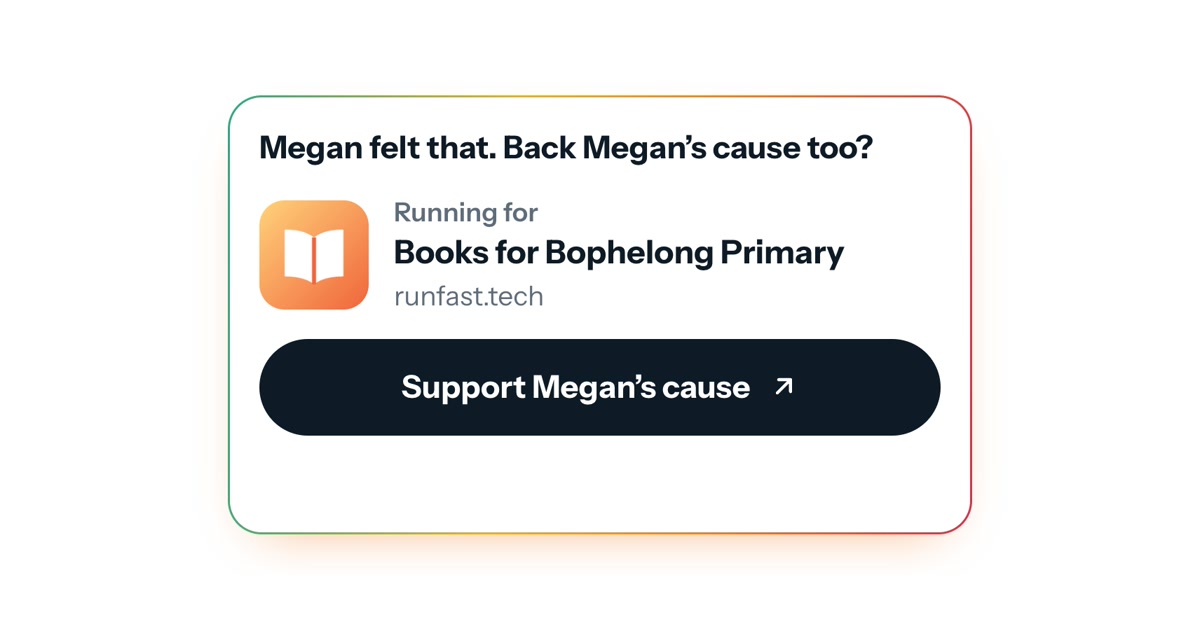
When someone sends you a tap, the box lights up with: "Thandi felt that. Back Thandi's cause too?" The button's there at the moment people are most in the mood to give.
Before the ride, your page says Riding Coast Classic for and your cause. After it, the result says Rode for, and the button stays. A sponsor who opens your link the next morning can still back you.
You have one cause. It's the same on Windline, on RunFast and on your livedot link.
Where does the money go?
Straight to your fundraising page. livedot never touches it and takes no cut.
There's no total on your livedot page and no progress bar. Your fundraising page keeps the count, so there's one number, in one place.
Two rules keep it honest:
- Links start with https, and shorteners aren't allowed, so supporters can see where a button goes.
- The web address always shows under the name. Anyone can report a link. If a link keeps failing, its button goes and the name stays.
Which fundraising pages work?
Any public page that starts with https. JustGiving, GivenGain, BackaBuddy, GoFundMe, Givebutter, Donorbox and a charity's own site all work.
The name and picture come from the page. A sign-in page, like a Facebook fundraiser, or a page that blocks automated visits won't give them. Then you type the name, and a plain letter tile replaces the picture. The button works the same.
What if the event has its own cause?
Then the event page and the live map say This race rides for and the cause's name. The organiser sets that when they make or edit the event.
You can still carry your own cause. It comes first on your own card. When you join, your cause is already filled in, and you can keep it, swap it for that event only, or remove it for that event.
Past events keep what they were for, whatever you change later.
How do I go live?
From the free Windline app, or from a Garmin.
- iPhone or Android: Windline is live in the App Store and Google Play. Tap Go live before you roll out.
- Garmin: add the livedot data field and press Start near the start line. See how to set up livedot on your Garmin.
Long rides cross dead spots. Read live tracking with no signal before the day.
What should I send people?
One message, the day before.
I'm riding the [event] on Saturday for [cause]. Follow me live here: livedot.me/yourname. You'll see where I am, and there's a button to back the cause if you'd like to.
Send it again that morning.
Running instead? See watching a charity run live. Comparing this with your fundraising page? See sharing your fundraising page while you race. Organising the ride? See live tracking for a charity ride or fun run.
Where to start
Get Windline, paste your link, and open your own livedot page to see what supporters will see. The detail on the setting is in how to ride or run for a cause.
Questions
Do my supporters need an app?
No. They open your livedot.me link in any browser. They see your dot on the route, your speed, your distance and your finish estimate. No account and no download.
Can sponsors give while I'm still riding?
Yes. Your cause sits on your live card under Give a tap on the back, with a button to the fundraising page you pasted. They give there, so the money never passes through livedot.
Does the live page show a fundraising total?
No. livedot shows no totals and no progress bars. Your fundraising page keeps the count.
What if my ride has its own charity?
The organiser can set a cause for the whole event. The event page and live map say This race rides for, and the cause's name. Your own cause still comes first on your own card.
Can I ride with a Garmin cycling computer?
Yes. Add the livedot data field to your Garmin and your dot goes on your livedot page. Your followers see the same page, cause included.
What does it cost?
It's free for riders and for everyone following, thanks to ProLend.