For organisersGuide
Run a cycling or running club with AI
The short answer
With livedot in ChatGPT or Claude, a club admin can post the weekly ride or run from a GPX ("every Saturday at 7:00"), check the weather on the route, publish when ready, and follow members live on race day. Sign in with your Windline (cycling) or RunFast (running) account. Club rides are always for the club; anything for you alone stays private.
Most club admin is the same few jobs every week: post the ride or run, tell people what the weather will do, and on race day, keep an eye on who's out there. With livedot in ChatGPT or Claude, each of those is one message. This guide covers what a club admin can do from the chat today, for cycling clubs on Windline and running clubs on RunFast, and what stays exactly as it is for members.
What can I do from the chat?
Four jobs, each in plain words.
| The job | Ask | Needs |
|---|---|---|
| Post the weekly ride or run | "Post our Saturday coffee ride on the club page, every Saturday at 7:00" with the GPX | Your account, as a club admin |
| Check the weather on it | "What's the wind on this on Saturday at 7?" with the GPX | Nothing |
| Publish it | "Publish the Saturday ride" (it asks you to confirm) | Your account |
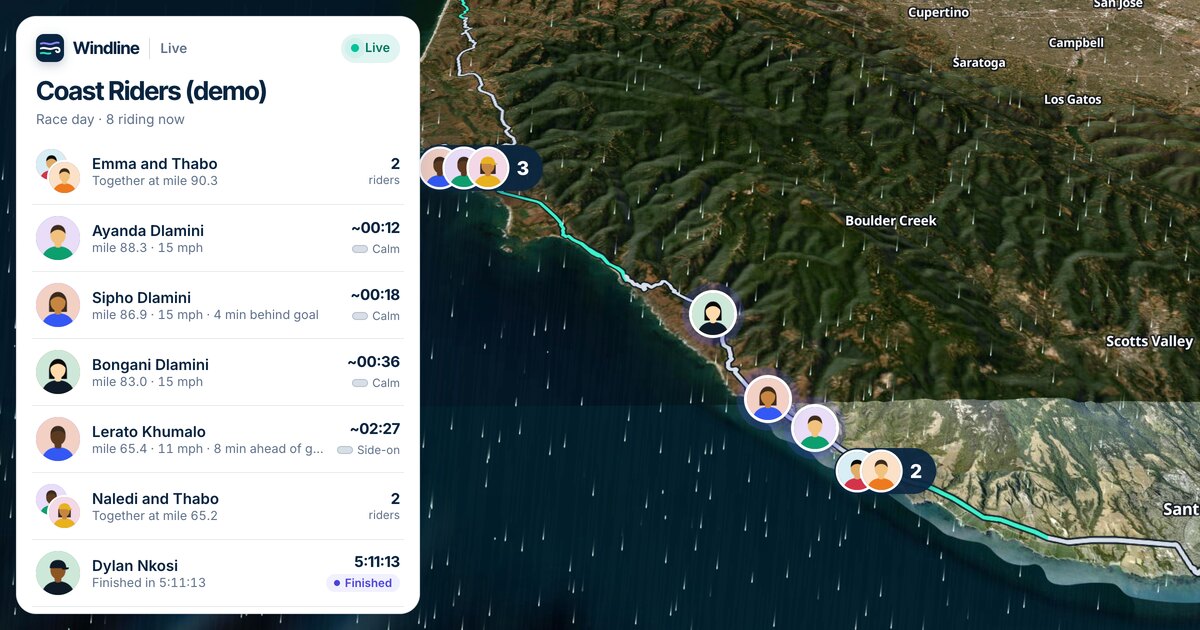
| Follow members on race day | "Where's Thandi in the Coast Classic?" | Nothing |
Following and the weather need no account at all. Posting and publishing need you signed in with the account that runs the club: Windline for a cycling club, RunFast for a running club.
How do I set it up?
Add livedot once: in ChatGPT or Claude, search for livedot, or add it at https://livedot.me/mcp. More at livedot.me/mcp.
The first time you ask it to post something, livedot opens its sign-in page. Choose Windline or RunFast, sign in on that app's own site, and choose Allow. Your password never reaches livedot or the assistant.
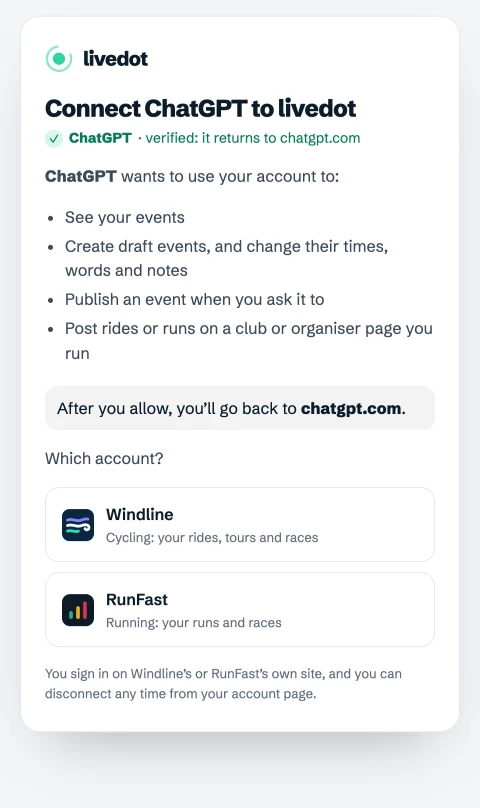
You can post only on clubs and pages you run: on Windline, a page where you're an admin; on RunFast, a club where you're a manager. Anywhere else, livedot says so.
How do I post the weekly ride or run?
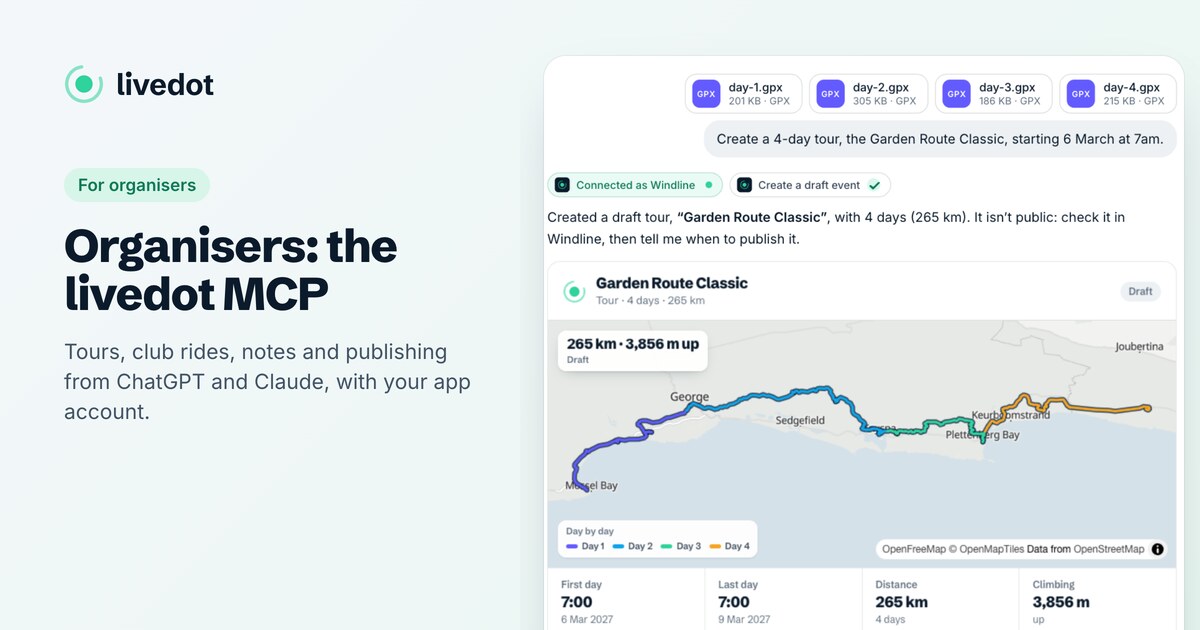
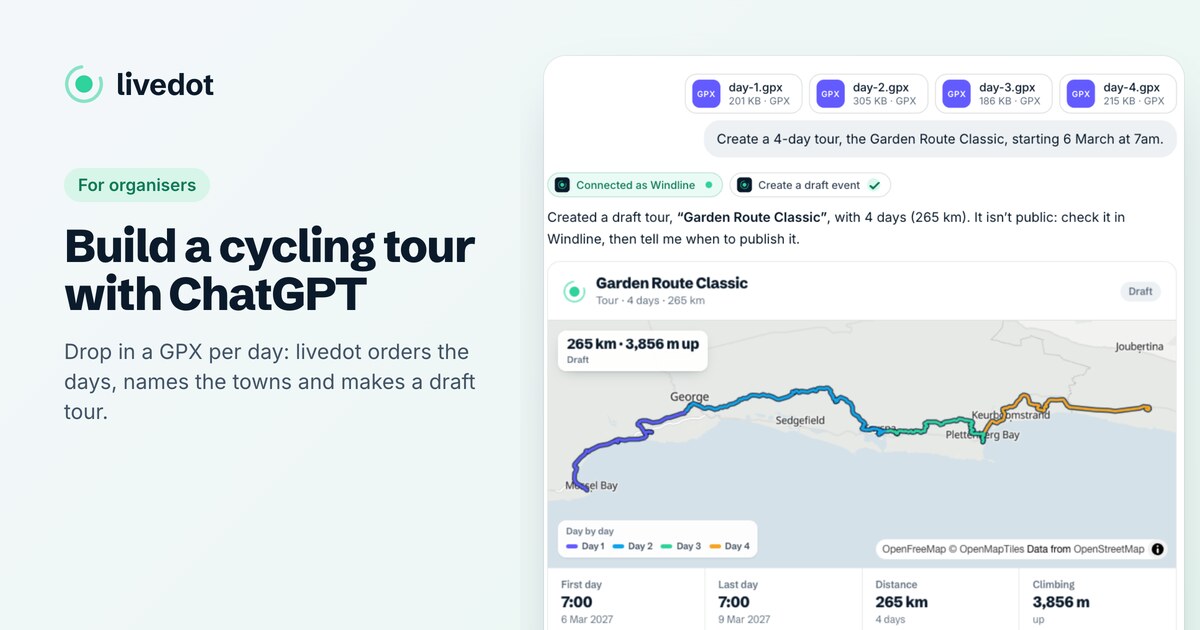
Attach the route and say what it is and when.
- "Post our Saturday coffee ride on the club page, every Saturday at 7:00, from 24 October", with the GPX attached.
- livedot checks the details with you: the club, the name, once or weekly, the time.
- Say yes. It's posted as a draft for the club, with a card showing the route, the distance, and "Every week from …".
- "Publish it." livedot asks you to confirm, and then it's on the club's page.
Times are in the route's own time zone, worked out from where it starts. A one-off works the same way with a date: "Post the Sunday hill ride for 1 November at 6:30." On RunFast, a club race works too: give its date and gun time.
Private or club: who decides?
You do, and livedot asks when it isn't clear. The rule is the same on both apps:
- A club ride or run is always for the club. It goes on the club's page once published.
- A ride or run you plan for yourself is private: only you see it. It's never published and never on a club page.
- If you run a club and don't say, livedot asks one short question before it makes anything: is this a private ride for you, or a group ride for the club?
So "my long ride on Sunday" stays yours, even though you run the club.
What do members see?
Exactly what they see today. Members don't need ChatGPT or Claude.
- Cycling (Windline): the ride on the club's page, with the wind forecast for its start. Members say they're riding, once or every week; the club sees their names, and the public page only shows how many.
- Running (RunFast): the run on the club's page with the heat at the club's pace, and members tap I'm in.
- Everyone: the club's page at livedot.me/your-club, with what's live, what's coming up and what's been.
How do I follow members on race day?
Ask. "Where's Thandi in the Coast Classic?" returns her km, her speed, the wind where she is and on the road ahead, and her finish time, on a live map. With several Thandis, livedot shows a short list and asks which; it never guesses. Ask "How's the Coast Classic going?" for the whole race.
Members show up by name only if they chose Findable by anyone for the race. Anyone can share their livedot link instead, such as livedot.me/thandi, which finds them in any race: see get your livedot link. For the full follower's guide, see how to track someone in a marathon with ChatGPT, and for clubs and race maps, live tracking for clubs.
What can't it do?
- Delete anything.
- Change a finished ride or run. What's happened stays as it is.
- Publish without asking, or publish anything private.
- Post on a club you don't run.
There are sensible limits too: 20 new events a day and 120 changes an hour per connection. To stop it altogether, disconnect it from your account page on Windline or RunFast: it stops at once, and what it made stays.
Questions
Can ChatGPT post our club's weekly ride?
Yes, with livedot added and your Windline (cycling) or RunFast (running) account connected, if you're an admin of the club's page. Attach the route and say when; livedot posts it as a draft for the club and publishes it when you confirm.
Will a ride I plan for myself end up on the club page?
No. A ride or run you plan for yourself is private. If you run a club and don't say who a ride is for, livedot asks you first, and a club ride is always for the club.
Can members see who's coming?
On Windline, members say they're riding and the club sees their names; the public page shows only how many. On RunFast, members tap I'm in on the club run.
Do club members need ChatGPT or Claude?
No. Members use the club's page, the Windline or RunFast app, or livedot.me, as before. The AI side is for whoever runs the club, and for anyone who'd rather ask in a chat.
What does it cost?
Nothing. livedot, Windline and RunFast are free for clubs, members and everyone following, thanks to ProLend.