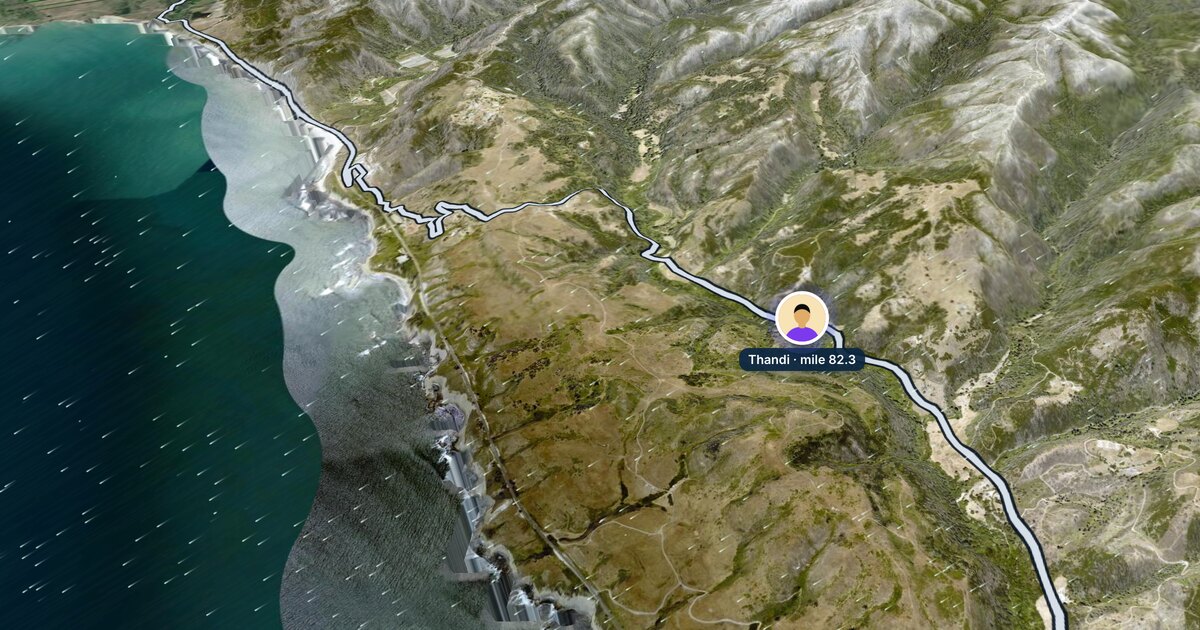
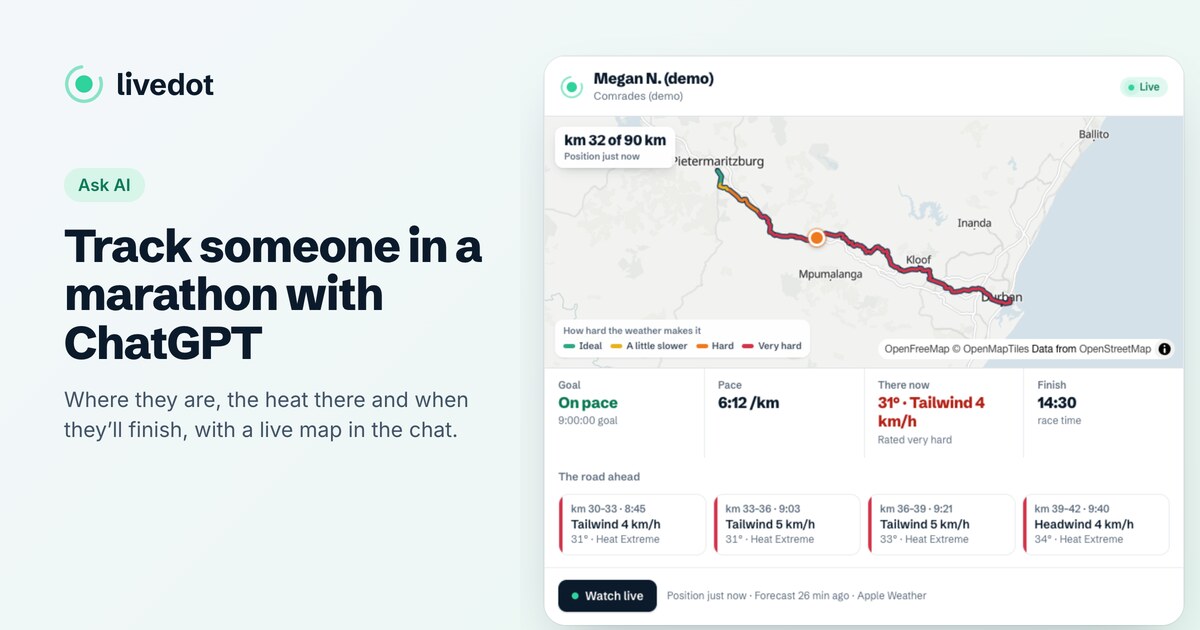
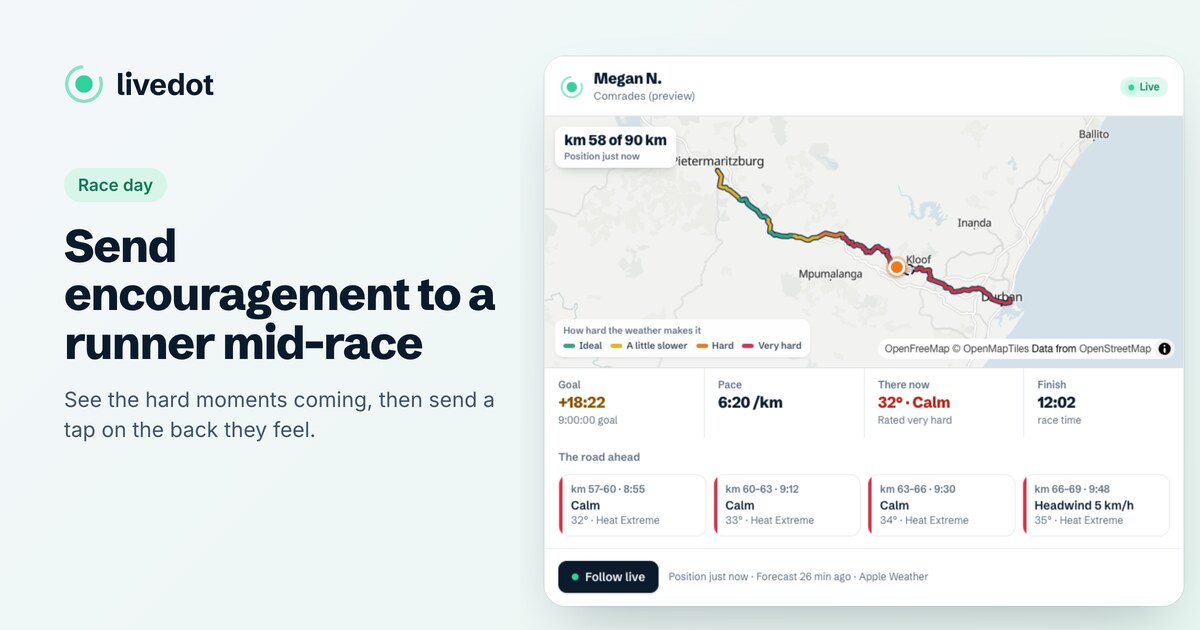
Following liveGuide
Follow a cyclist live on a tour or race
The short answer
Ask the rider for their live link from Windline, or their livedot link such as livedot.me/thandi, and open it in any browser. In a race, you can also ask livedot in ChatGPT or Claude "Where's Thandi in the Coast Classic?" You see where they are, their speed, the wind where they are and on the road ahead, and their finish time. On a tour, open the tour's live link from the organiser.
On a bike, where someone is tells you only half the story. The other half is the wind: a rider 20 km from the finish into a headwind is a long way from home, and one with a tailwind is nearly there. Windline puts both on one map, and livedot brings it into ChatGPT and Claude. This guide covers following a rider in a race and a group on a tour, in a browser or in the chat.
What does the rider need?
The Windline app on their phone, with live tracking on for the ride, race or tour, and Start live tracking on the day. Then they send you their link: their Windline live link, or their livedot link, such as livedot.me/thandi, which works for every race they do. See how to get your livedot link and how to go live on race day.
How do I follow a rider in a race?
Two ways, free, with no account.
- In any browser: open their link. Their dot moves along the course on a map, with their speed, the wind and weather where they are, and what's ahead.
- In ChatGPT or Claude: add livedot (search for livedot, or add
https://livedot.me/mcp) and ask "Where's Thandi in the Coast Classic?", or paste their link.
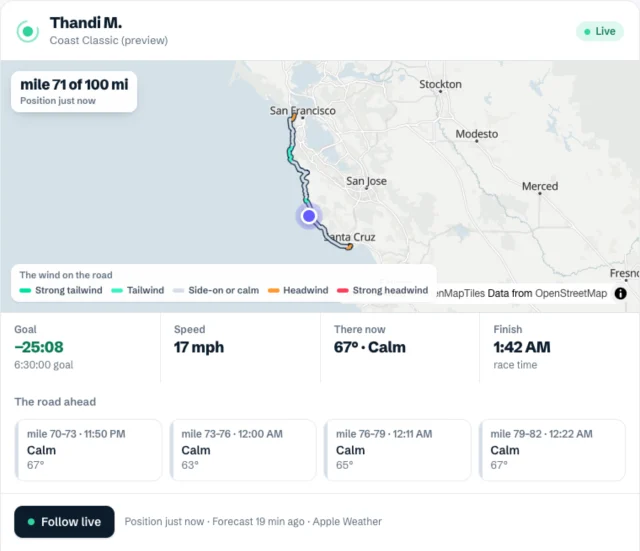
The answer in the chat:
| You see | What it means |
|---|---|
| Where they are | Their km and mile of the whole course. |
| Goal | Ahead of or behind their goal time, if they set one. |
| Speed | How fast they're riding now. |
| There now | The temperature and the wind where they are: a headwind, a tailwind or side-on, and how much colder it feels at riding speed. |
| The road ahead | The next stretches, each with its wind and the time they'll reach it, and a rating for the road ahead: Good, Fair or Tough, and why. |
| Finish | When they'll finish at this pace, in the race's own clock. |
Ask "How's the Coast Classic going?" for the race as a whole: time under way, riders on the map, who's furthest along. Riders show up by name only if they chose Findable by anyone; a link always works.
How do I follow a tour?
On a tour, the organiser shares the tour's live link from the Windline app. Open it in any browser: the day's route, the group's position on it, what's been ridden today, which day of the tour it is, and the wind ahead. There's nothing to install.
To plan your own trip to meet them, ask livedot for the tour's route: "What's the route of the Garden Route tour?" gives every day, from and to, with the distance, climbing, start time and weather, and GPX links if the organiser shares them.
Why is the route coloured by the wind?
Because the wind is what decides a ride's day. Windline reads the forecast along the route at the hour the rider reaches each stretch, and colours it by the wind against their direction of travel: a strong tailwind, a tailwind, side-on or calm, a headwind, a strong headwind. A headwind on the last 30 km means the finish time will slip; a tailwind means it may come early. The numbers come from the same engine as the rider's own app.
What if their dot stops?
Usually it's signal. The phone keeps every position and sends them when it's back, and the chat answer says when they were last heard from. Near the start and finish, and while they're stopped, positions stay hidden for the rider's privacy. See what happens when you lose signal.
How do I cheer them on?
In a race, ask livedot in ChatGPT or Claude: "Give Thandi a tap on the back." Or open their live page and tap there. Their phone buzzes and they see the count, with your name if your Windline account is connected or a first name you give. On a tour, tap from the tour's live page: taps go to the organiser, and a tour's live link can't be tapped through the chat. See how to send encouragement during a race, and for the full picture of following a rider, how to track a cyclist in a race.
Try it now
The Coast Classic demo runs every day, with Thandi mid-race. Ask livedot "Where's Thandi in the Coast Classic?": when nobody real matches, it shows the demo rider, labelled as the demo or open windline.tech/live/race/coast-demo.
Questions
How do I follow a cyclist in a race live?
Open the rider's Windline live link or livedot link in any browser, or ask livedot in ChatGPT or Claude where they are. You see their position on the course, their speed, the wind where they are and their finish time. The rider needs the Windline app with live tracking on.
Can I follow a whole tour group live?
On a tour, the organiser shares the tour's live link from the Windline app: you see the group's position on the day's route, what's been ridden and the wind ahead. Open it in any browser.
Can ChatGPT tell me where a cyclist is?
Yes, with livedot added, for riders in a live public race who chose Findable by anyone, or anyone whose livedot link or follow link you paste. It answers with where they are, the wind and their finish time, on a map.
Do I need an app or an account to follow?
No. Following works in any browser and in ChatGPT or Claude, free, thanks to ProLend. Only the rider needs the Windline app.
Why does the wind matter so much?
On a bike, a headwind costs far more time than on foot, and it changes with every turn of the road. livedot shows the wind against the rider's own direction, now and on the road ahead, so you know whether the hard part is behind them.