For organisersGuide
List your race or tour so AI assistants recommend it
The short answer
Publish your race or tour on your organiser or club page on Windline (cycling) or RunFast (running). Anyone with livedot in ChatGPT or Claude who asks for events near a place and month sees it, with an I'm in button, and can ask about it by name: the route, the weather where entrants will be, your tour notes and, on race day, the live race.
Entrants now research events the way they research everything else: they ask. "What's the course like?" "Will it be hot?" "What do I need to pack for day 3?" If an assistant can't find your event's facts, it guesses, or talks about someone else's. This guide is for race directors and tour organisers: how to put your event where livedot in ChatGPT and Claude can read it, and what it will and won't say. More in livedot's organiser guides.
Can an AI assistant recommend my event?
It can answer about it, which is what matters. No one can make ChatGPT or Claude recommend an event. What you control is whether the assistant has accurate facts when someone asks.
livedot is the app people add in ChatGPT and Claude for races, riders and runners on Windline and RunFast (setup at livedot.me/mcp). It answers from your event's public page, in your words and your numbers. It never ranks events, and when it doesn't know one it says so rather than guessing.
Which events does livedot know?
Published, public events on Windline and RunFast, by place and by name.
| Your event | What people can ask |
|---|---|
| Any published, public event on your page | "Trail runs near Cape Town in November", "cycle tours around Johannesburg": events near a place and month, each with its date, where it starts and how far away, the weather and I'm in |
| A race on your organiser or club page (from 14 days out) | The weather along the course at the times entrants reach each stretch, and a flyover of the course |
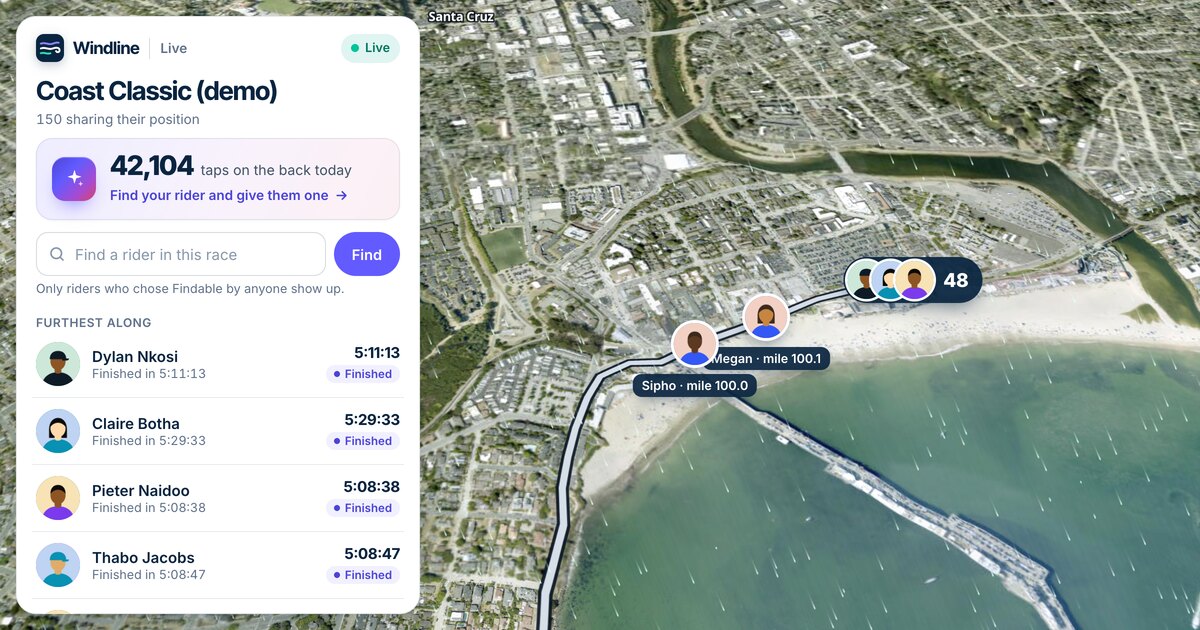
| A race on race day | How it's going: time under way, who's on the map, finishers and who's furthest along |
| A published Windline tour (any time) | Every day's route, distance, climbing and start, with each day's weather |
| Your tour notes | What to pack, where to meet, how each day runs: answered from your notes only |
Races on Windline include road races, sportives, gravel races and stage races; on RunFast, road races, trail races and ultras. Multi-day tours are Windline's. Private events are never answered about, and nothing is listed until you publish it.
How do I list my event?
Get your organiser page, then publish each event with its real details.
- Apply for your page: on Windline at windline.tech/pages/#apply, on RunFast at runfast.tech/app/#/clubs/add. A person sets it up with you, at livedot.me/your-name.
- Publish each event with its route, date and start or gun time. A stage race or tour gets a route per day.
- Write tour notes for a tour: what to pack, meeting points, how each day runs. Up to 10,000 characters.
- Choose whether riders can download the route. The GPX files are yours to share or not.
- Ask about it yourself with livedot, by the name entrants use.
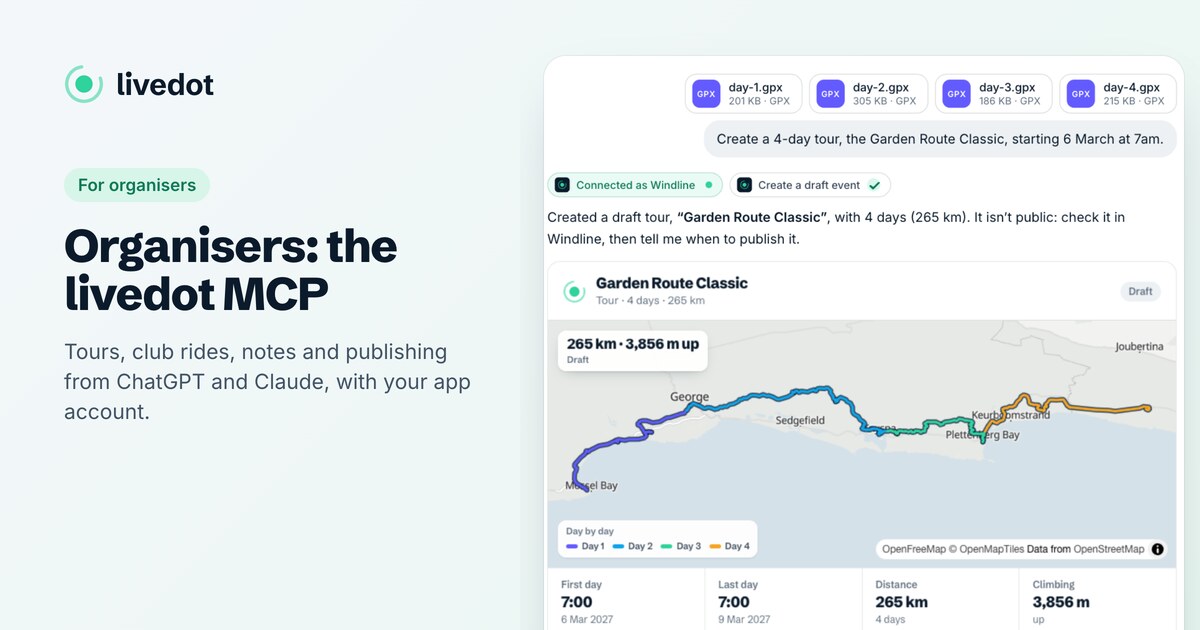
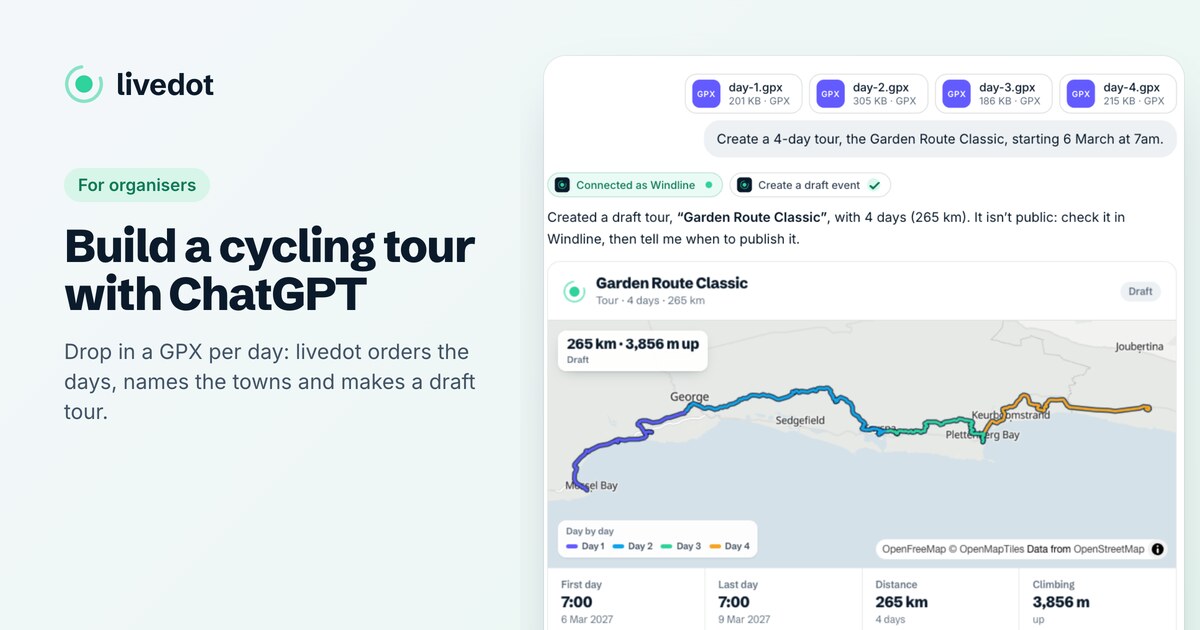
You can do steps 2 and 3 from the chat too: a folder of GPX files becomes a draft tour in a couple of minutes. See the livedot MCP for organisers.
What does the weather answer show?
The weather where your entrants will be, when they'll be there. Within 10 days of the start, livedot uses the live forecast (Apple Weather), timed to each stretch of the course, and rates the day Good, Fair or Tough, with the headwind and tailwind stretches, heat stress and rain. Further out, it shows 10 years of weather on that date (Copernicus ERA5), clearly labelled as history, not a forecast.
That's the question every entrant asks in race week. With your event published, the answer is about your course, not a weather station in the nearest city. For how it reads, see race-day weather with ChatGPT or Claude.
How should I write the event page?
For the questions people really ask. Assistants answer best from short, plain facts.
- Name it the way entrants say it. If everyone calls it "the Burn", put that in the description too.
- Give every start time, per day or per wave, in the event's own time zone.
- Put meeting points and cut-offs in writing, day by day, in the tour notes.
- Head the notes with questions people ask: "What to pack", "Where we meet", "Each day".
- Keep it current. Change the page and the next answer uses the change.
Leave out door codes and personal phone numbers: tour notes are public, like the rest of the page.
How do people find events by place?
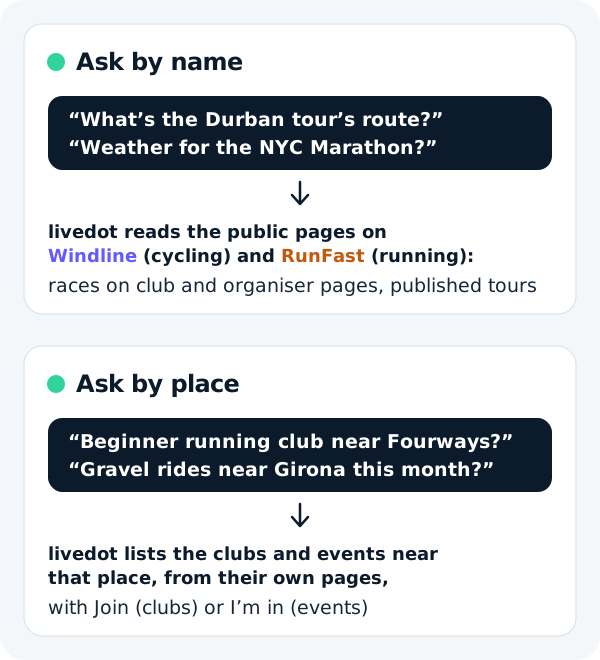
They ask for a place and a time. "Trail runs near Cape Town in November", "cycle tours around Johannesburg" or "races near me this weekend" gets a list of published, public events near that place, soonest first, each with its date, where it starts and how far away, the forecast (or typical weather further out), its club or organiser, and an I'm in button to its page on Windline or RunFast.
It reads the events you publish, so an event that's on your page is ready for it. Only published, public events of approved clubs and organisers are listed: never private events, and never people.
What will livedot never say?
Anything your page doesn't. It doesn't invent a start time, a cut-off or a packing list, and it doesn't fill gaps from other events.
- Tour notes are quoted, not extended. If your notes don't mention bike boxes, the answer says your notes don't cover it.
- Route files only with your yes. Without it, riders hear that the organiser hasn't made the files available.
- No private events, and nothing about entrants who haven't chosen to be seen.
Assistants can still slip, so it's worth a line in your notes: "Check the event page on the day for final times."
What happens on race day?
Your page becomes the place to watch. Entrants go live from their own phones, and anyone can follow the field on the race map, or ask livedot how the race is going. Entrants decide who sees them, and only those who choose Findable by anyone can be found by name. See live tracking for race organisers.
All of it is free for organisers, entrants and followers, thanks to ProLend.
Questions
How do I get ChatGPT to recommend my race?
No one can make an assistant recommend an event. What you can do is make sure it has the facts. With your race published on Windline or RunFast, livedot in ChatGPT or Claude can answer about it by name: the course, the weather and the live race on the day.
Which events can livedot answer about?
By place: published, public events of approved clubs and organisers near a place and month, such as "trail runs near Cape Town in November". By name: races on an organiser's or club's page on Windline or RunFast that start in the next 14 days, published Windline tours by their name, address or organiser, and livedot's own race weather previews.
Can riders get my tour's GPX files from the chat?
Only if you let riders download the route on Windline. If you don't, livedot says the organiser hasn't made the route files available. It never makes up a file link.
Does livedot say my race is better than others?
No. It answers what people ask about the event they name, from your public page, and says so when it doesn't know an event. It never ranks events or tells people to prefer one.
What does listing cost?
Nothing. Publishing, live tracking, your page at livedot.me and livedot in ChatGPT and Claude are free for organisers, entrants and followers.