For organisersGuide
Live tracking for a charity race, with a donate button
The short answer
Set a cause when you make or edit your race on livedot. The race page and live map then say "This race runs for" or "This race rides for", with the cause's name and a button to its fundraising page. Participants can carry their own cause too. Money goes straight to the cause. livedot takes no cut.
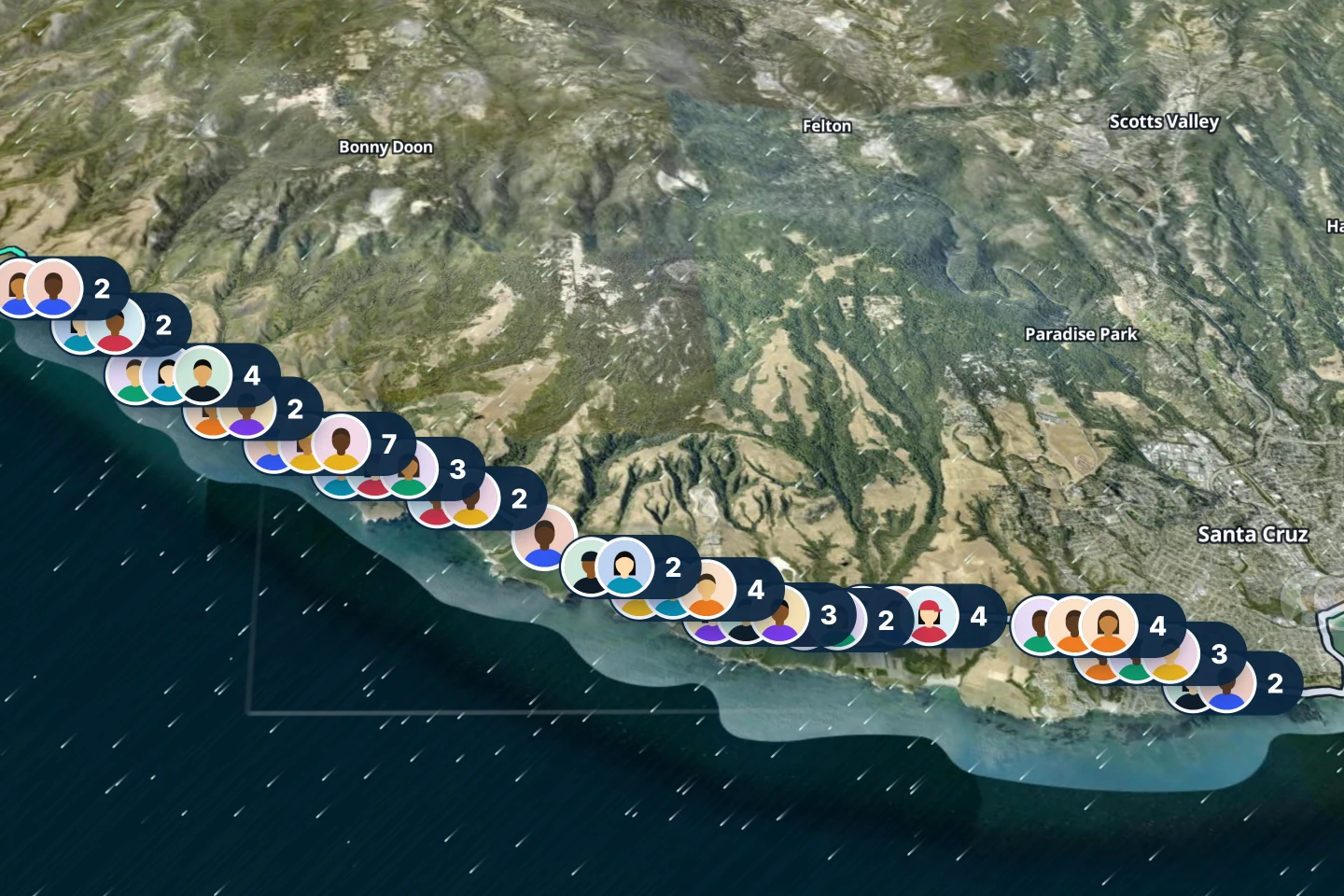
Charity races have two audiences watching on the day. Families want to see their person. Others want to know who it's all for, and whether they can help.
A race can answer both on its live map. This guide is about that one feature: the race's own cause, and the donate button that goes with it.
If you're after the basics of adding live tracking to a charity event, start with live tracking for a charity ride or fun run. This guide picks up from there.
What does a race's cause look like?
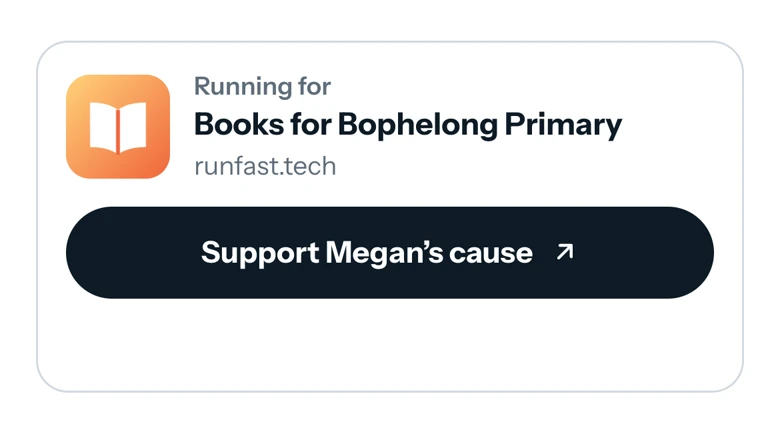
It's a line on the race page and the live map: This race runs for (or This race rides for) and the cause's name, with a button to its fundraising page.
It sits where followers are already looking. Someone who opens your live map to find their sister in the field also sees who the day is for. No separate page, no second link.
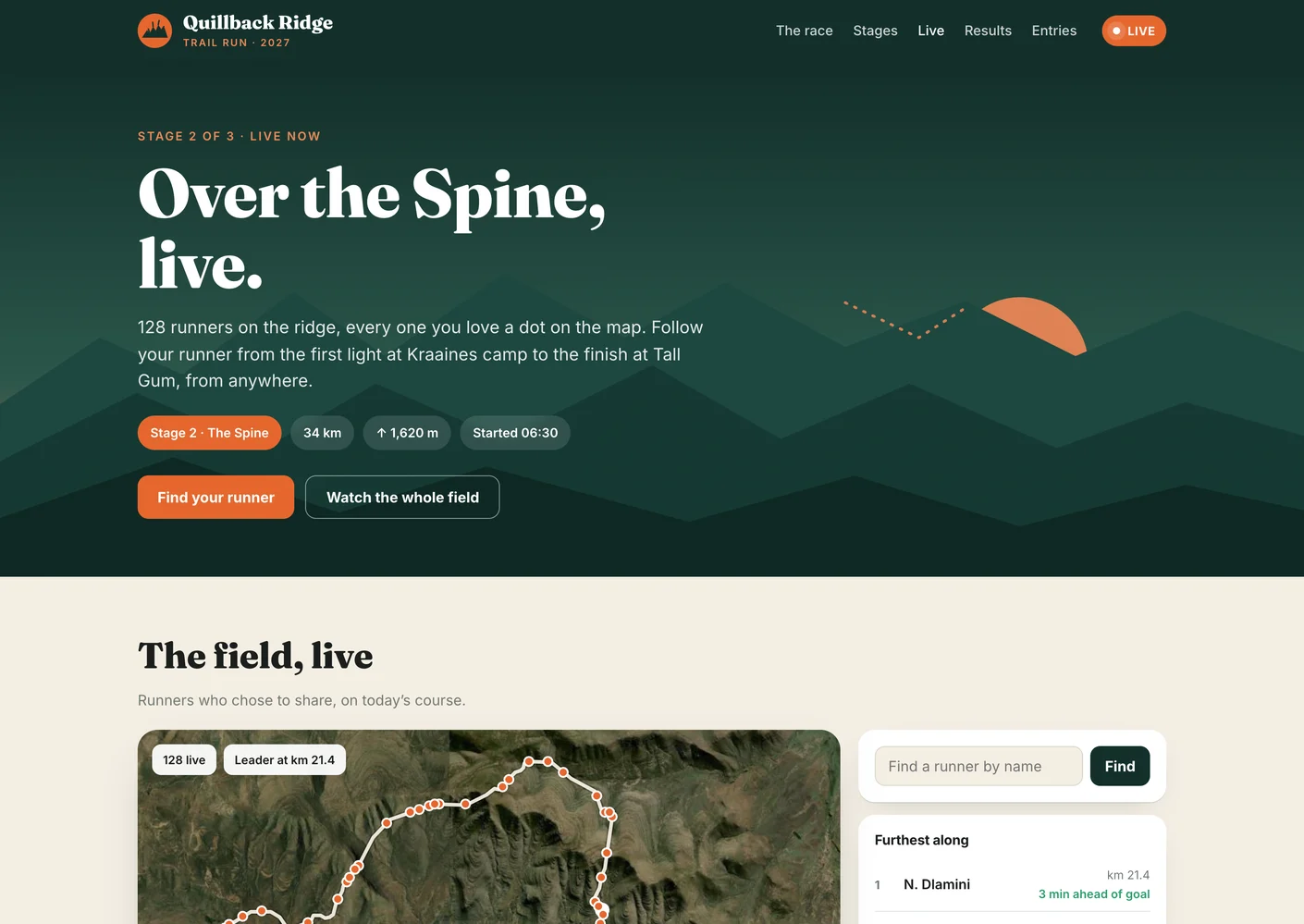
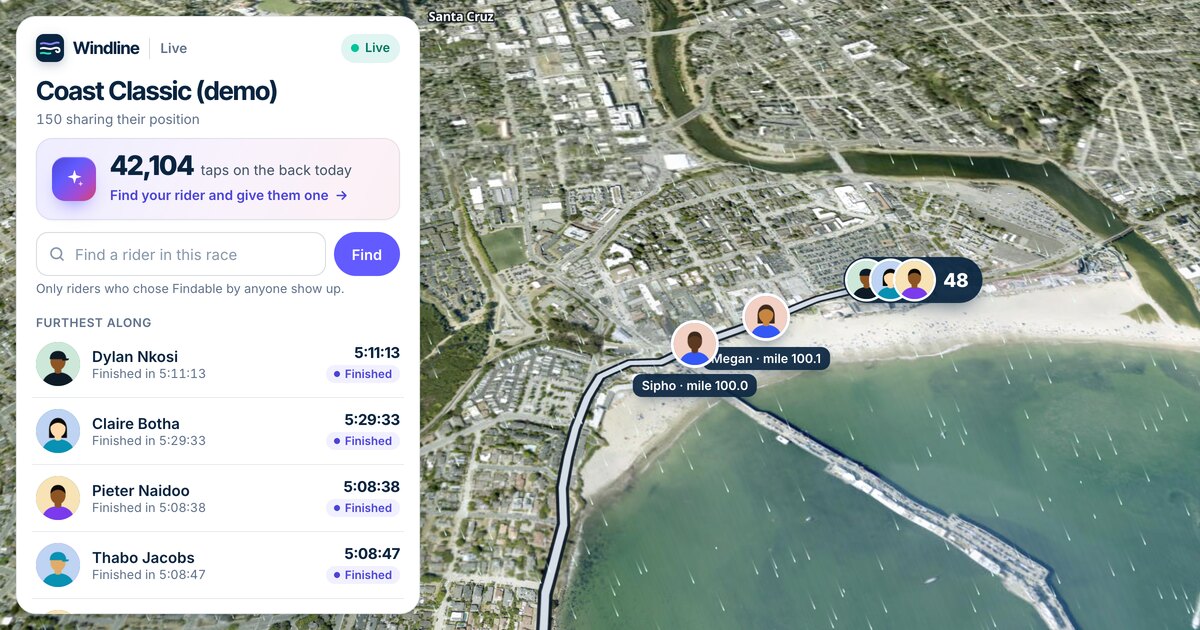
See what a race map looks like in the Comrades demo for a run, or the Coast Classic demo for a ride.
How do I set it?
You set it yourself, when you make or edit the race.
- Create the race in the free RunFast (running) or Windline (cycling) app, or ask livedot to set it up with you at livedot.me/organisers.
- Add the cause. Paste the cause's fundraising link. The name and picture fill in by themselves, and if the page doesn't give a name, you type it.
- Save. The race page and live map now say who the race runs or rides for.
You can change it by editing the race, as often as you like.
What do followers see?
The cause is on the race page and the live map, and it follows each person's own card.
- On the race page and map: This race runs for or This race rides for, with the cause's name, picture and web address.
- On each participant's card: their own cause, if they've set one. A person's own cause comes first on their own card.
- After a tap on the back: the card lights up and asks whether to back the cause too.
- After the race: results say Ran for or Rode for, and the button stays. Past races keep what they were for.
Can participants carry their own cause?
Yes. Many charity entrants raise money for different charities, and livedot lets each of them show theirs.
A participant pastes their own fundraising link once, in Settings on Windline, You on RunFast, or Account on the web. When they join your race, their cause is pre-filled. They can keep it, swap it for this race only, or remove it for this race.
So a mixed field works. The race says who the day is for, and each person's card says who they personally are raising for. Their own comes first on their own card.
Where does the money go?
Straight to the cause's fundraising page. livedot never touches the money and takes no cut.
There are no totals or progress bars on livedot. Your fundraising platform keeps the count. You don't have to reconcile two numbers, because there's only one.
Which fundraising pages can I use?
Any public page that starts with https. JustGiving, GivenGain, BackaBuddy, GoFundMe, Givebutter, Donorbox and a charity's own site all work.
Some pages keep their name and picture back, like a Facebook fundraiser behind a sign-in. Then you type the name and a plain letter tile takes the place of the picture.
Links must use https and shorteners aren't allowed. The web address always shows under the name, so followers see where the button goes. Anyone can report a link. A link that keeps failing loses its button, but the name stays.
What does it cost?
Nothing. It's free for organisers, participants and everyone following, thanks to ProLend, so none of what you raise goes on tracking.
The one paid option is a bespoke branded page in your own styling, at $200 per event. It's optional.
What should I tell participants?
Keep it to three lines in the entry email or the day-before message:
- "Join our race in the free RunFast (or Windline) app, and tap Go live on the day."
- "Add your own fundraising link in the app, if you have one. It shows on your card."
- "Share your livedot.me link, so supporters can follow you and back you."
Participants who'd like the full walk-through can read watching a run live and supporting a charity or following a charity ride live. The setting itself is covered in how to ride or run for a cause.
Where to start
Tell us about your race at livedot.me/organisers, or make it in the app yourself and add the cause as you go.
Questions
How do I give my race a cause?
Add the cause when you make or edit the race on livedot. The race page and live map then say This race runs for or This race rides for, with the cause's name and a button to its fundraising page.
Can participants have their own cause as well?
Yes. A participant can carry their own cause. It comes first on their own card, so followers of that person see their cause before the race's.
Does livedot handle the donations?
No. The button goes straight to the cause's fundraising page. livedot never touches the money, takes no cut and shows no totals or progress bars.
What if the cause's link stops working?
Links are checked slowly in the background. If one keeps failing, the button goes and the name stays. When the page comes back, so does the button. Anyone can report a link.
What does it cost an organiser?
It's free for organisers, participants and everyone following, thanks to ProLend. A bespoke branded page is an optional extra at $200 per event.